







What is vpn? Many internet users ask this exact question when they search for ways to protect their online data. A VPN stands for Virtual Private Network. It creates a secure connection between your device and the internet. You stay hidden from prying eyes. You browse safely on any network. WiTechPedia explains every detail in this complete guide so you understand and use VPN technology with confidence.
What Does VPN Mean?
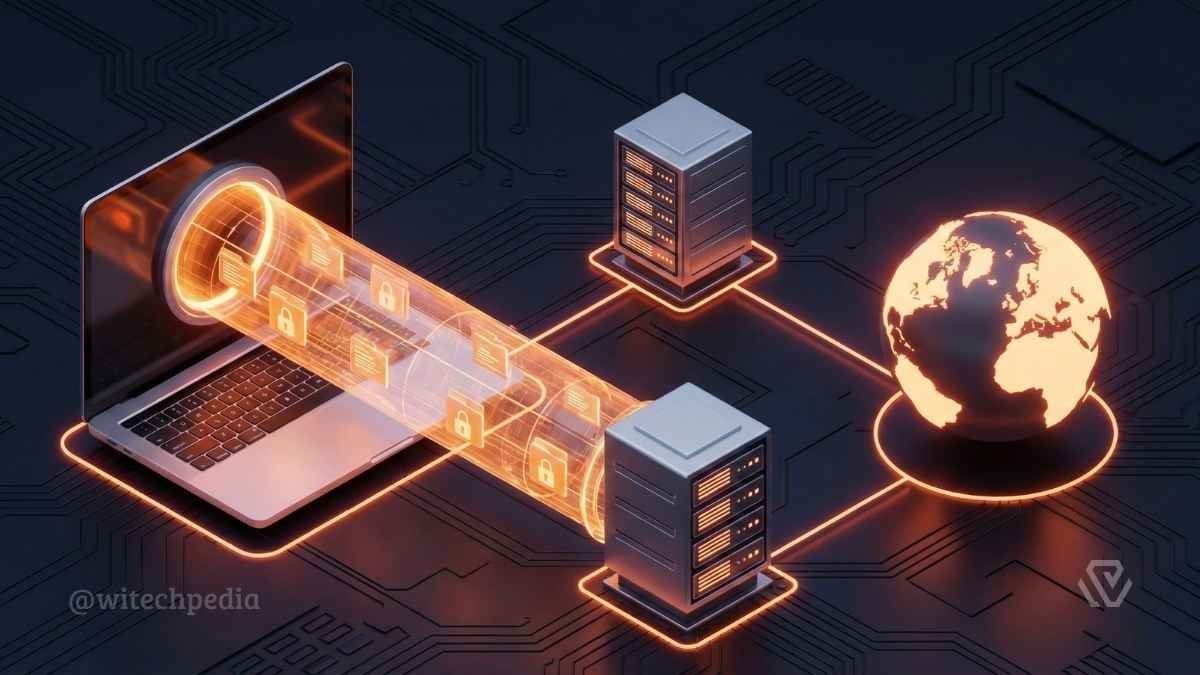
A VPN forms a private tunnel for your internet traffic. It hides your real IP address from websites, hackers, and internet service providers. You appear to connect from a different location. This simple technology protects your privacy every time you go online.
How Does a VPN Work?
You install a VPN app on your device. You select a server location. The VPN encrypts your data before it leaves your device. It sends the encrypted data through a secure tunnel to the chosen server. The server then forwards your request to the destination website. The website sees only the VPN server’s IP address. Your real location and identity stay hidden. The process works in reverse when data returns to you. This entire flow happens in seconds.
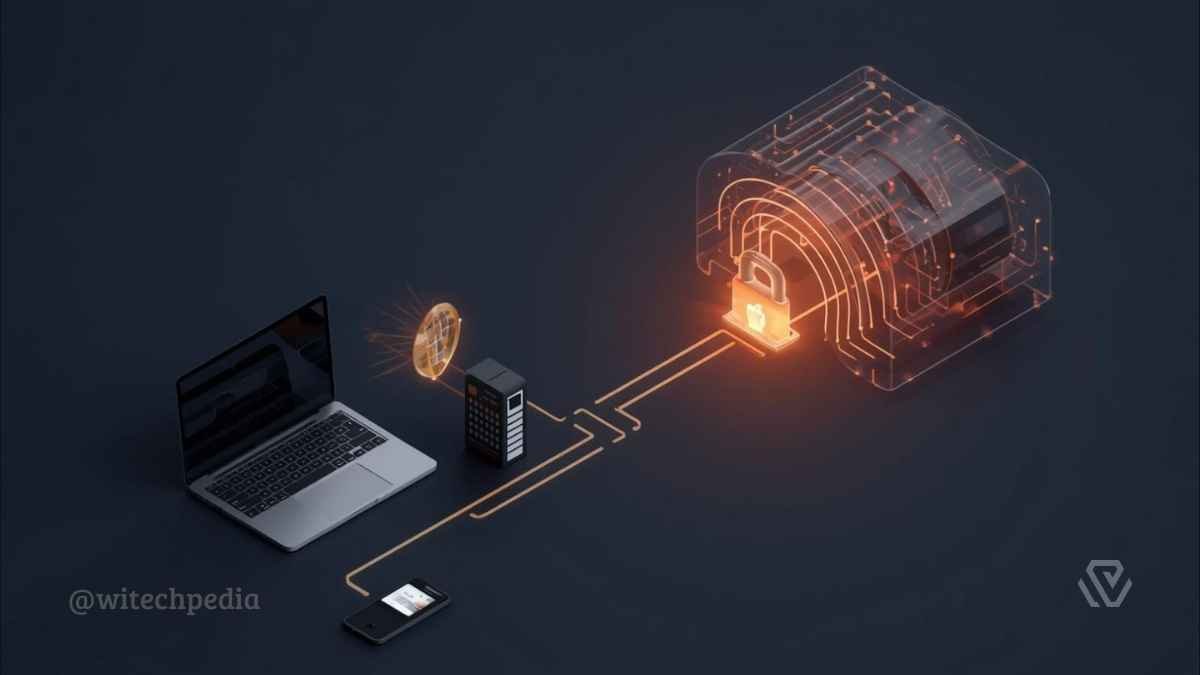
You can read our detailed guide on how a VPN works for step-by-step visuals and examples.
Key Benefits of Using a VPN
A VPN delivers clear advantages that users notice immediately.
These benefits make a VPN essential for everyday internet use in 2026.
Types of VPN
Different VPN types serve different needs.
Choose the type that matches your personal or business requirements. Explore our full comparison in the Types of VPN Explained article.
Popular VPN Protocols in 2026
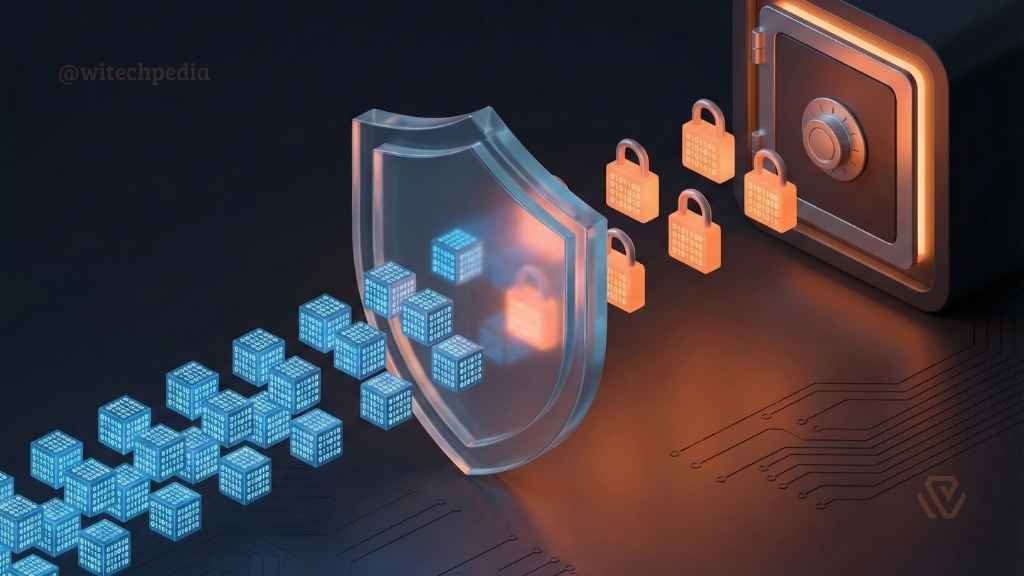
VPN protocols determine speed, security, and compatibility.

Essential Features: What Makes a Good VPN?
When selecting a provider, you must look beyond marketing claims. These are the technical features that ensure true privacy.
- Kill Switch: A fail-safe mechanism. If your connection to the VPN server drops unexpectedly, the Kill Switch instantly cuts your internet access to prevent your real IP address from being exposed.
- Learn: How to Test Your VPN Kill Switch
- Split Tunneling: Allows you to route specific app traffic (e.g., a torrent client) through the encrypted tunnel while letting other apps (e.g., a local banking app) access the internet directly.
- No-Logs Policy: A guarantee that the provider does not store records of your browsing history or connection timestamps.
- Tip: Always look for providers with independently audited no-logs claims. you can choose the Best No-Log VPNs for Privacy.
Types of VPN Architectures
While consumers are familiar with commercial VPN apps, there are other architectural types used in the industry.
- Remote Access VPN: Connects individual users to a private network. This is the standard “Consumer VPN” used for personal privacy (e.g., NordVPN, ExpressVPN).
- Site-to-Site VPN: Used primarily by large corporations to connect two different office networks (LANs) over the internet.
- Client-Based vs. Browser Extensions:
- Client-Based: Encrypts all traffic leaving your device.
- Browser Extension: Usually just a proxy that only encrypts traffic within that specific browser. It does not protect other apps.
The Developer’s Corner: Self-Hosted vs. Commercial
This section is for advanced users and developers.
As a full-stack developer, you might consider hosting your own VPN. Here is the trade-off:
Self-Hosted VPNs (The DIY Route): Using a VPS provider (like DigitalOcean or Linode), you can install OpenVPN Access Server or Algo VPN.
- Pros: You have 100% control over your data. No third-party logging.
- Cons: You lose “anonymity” because the VPS IP is registered to your billing account.
- Check out our Guide: How to Set Up Your Own VPN on Ubuntu
Commercial VPNs (The Service Route):
- Pros: Shared IP addresses mix your traffic with thousands of other users, making it nearly impossible to isolate a single user’s activity.
- Cons: Requires trust in the provider.
Legal & Ethical Considerations
Is using a VPN legal? In 95% of the world (including the US, UK, and most of Europe), utilizing a VPN is perfectly legal. However, some countries restrict or ban their use to control information flow.
Warning: While a VPN provides anonymity, it does not grant immunity. Committing illegal acts (such as downloading copyrighted material or cyber-stalking) remains illegal regardless of whether your IP is masked.
Conclusion
A Virtual Private Network is a fundamental layer of defense in a surveillance-heavy digital world. Whether you choose the raw speed of WireGuard or the battle-tested security of OpenVPN, the decision to encrypt your traffic is a decision to reclaim your digital privacy.
Ready to secure your connection?
- Find the right tool: Best VPNs for 2026 (Ranked by Speed)
- Verify your privacy: WiTechPedia IP & DNS Leak Test Tool