







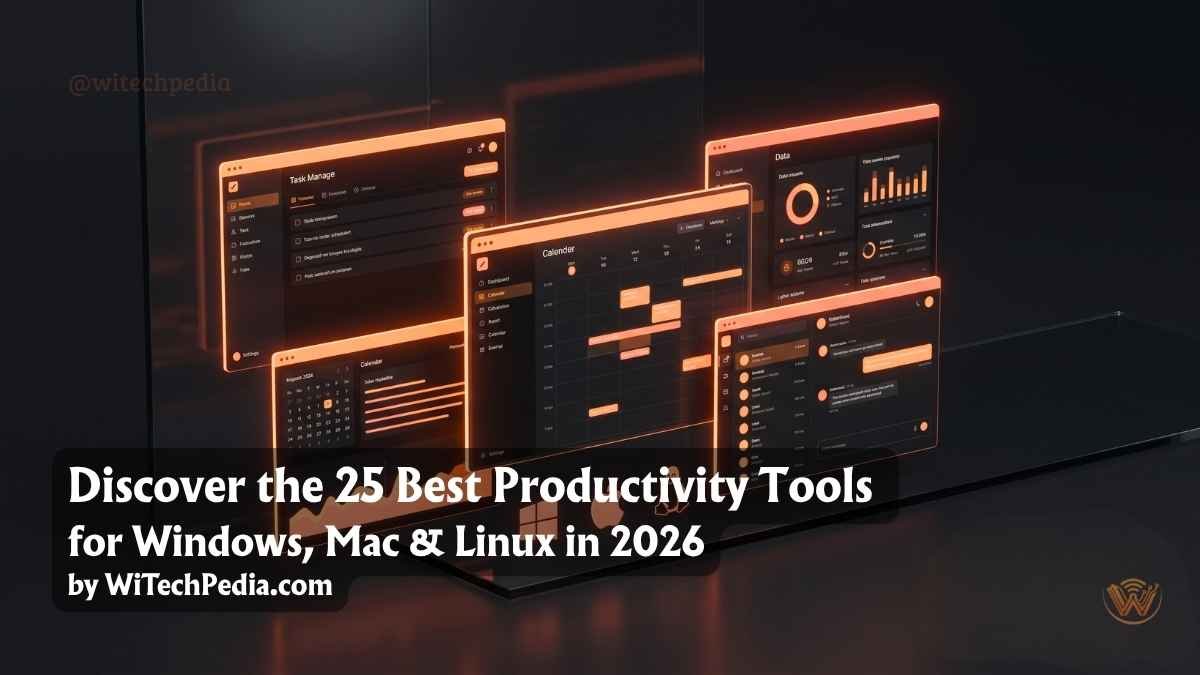
WiTechPedia helps professionals and teams choose the right tools. You discover the 25 best productivity tools & apps for Windows, Mac & Linux in 2026 in this guide. These apps boost focus, organize tasks, and streamline workflows across platforms. Professionals rely on them to achieve more in less time.
- Why Choose Cross-Platform Productivity Tools in 2026?
- Top Task and Project Management Tools
- Best Note-Taking and Knowledge Management Apps
- Essential Time Management and Focus Software
- Secure Communication and File Sharing
- Additional Essential Productivity Tools 2026
- Comparison Table of Best Productivity Tools 2026
- How to Build Your Perfect Productivity Stack
- Frequently Asked Questions (FAQs)
- Final Thoughts
You work on multiple devices. You need software that performs well on Windows, Mac, and Linux. This curated list covers free and paid options. It includes task managers, note-taking apps, time trackers, and automation tools. Each entry highlights key features, pricing, and platform support.
Why Choose Cross-Platform Productivity Tools in 2026?
Modern work happens across devices. You switch between a Windows PC at the office, a Mac at home, and a Linux setup for development. Cross-platform apps keep your data synced in real time. They eliminate friction and save hours every week.
AI features now appear in many tools. These features automate repetitive tasks and provide smart suggestions. You stay ahead when you pick the right combination for your needs. Explore our Best AI Tools in 2026 for more options.
Top Task and Project Management Tools
You must track your projects efficiently to stay ahead. These task management tools help you organize your daily goals.

1. Notion
This application organizes everything in one place. You can build databases, personal wikis, and dynamic kanban boards. I highly recommend Notion for modern cross-platform teams.
2. Todoist
Manage your daily tasks with blazing speed. Todoist offers seamless syncing across your desktop and mobile devices.
3. Obsidian
Build your ultimate second brain. Obsidian stores markdown files locally on your hard drive. It works flawlessly and extremely fast on Linux, Mac, and Windows.
4. Trello
Visualize your workflow with simple interactive boards. Trello keeps project management clean, visual, and highly intuitive.
5. TickTick
Combine your daily calendar and your to-do list. TickTick helps you track new habits and manage complex tasks simultaneously.
Best Note-Taking and Knowledge Management Apps
Great ideas require secure storage. Capture your thoughts quickly with these exceptional documentation apps.
6. Joplin
Take secure notes anywhere you go. Joplin provides an outstanding open-source alternative to traditional note apps.
7. Logseq
Create privacy-first, interconnected daily notes. Logseq uses local plain text files to protect your data completely.
8. Simplenote
Write your drafts without any visual distractions. Automattic built Simplenote for pure speed and instant cross-device syncing.
9. Standard Notes
Encrypt your private thoughts automatically. Standard Notes ensures complete data privacy across all major operating systems.
10. Anytype
Build local, peer-to-peer databases. Anytype brings next-generation offline productivity straight to your desktop.
Essential Time Management and Focus Software
Time represents your most valuable asset. Protect your working hours with these dedicated focus applications.
11. Toggl Track
Monitor your working hours accurately. Toggl Track integrates perfectly with dozens of other work platforms.
12. Pomofocus
Apply the Pomodoro technique directly in your browser. Use Pomofocus to maintain deep work states throughout the day.
13. Cold Turkey
Block distracting websites ruthlessly. Cold Turkey forces you to focus entirely on your current work.
14. RescueTime
Analyze your daily screen time automatically. RescueTime operates in the background to score your productivity levels.
15. Clockify
Track your remote team hours for free. Clockify gives you unlimited users and excellent desktop apps.
Secure Communication and File Sharing
Remote work demands flawless communication. Connect with your team instantly using these robust platforms.

16. Slack
Centralize your company conversations easily. Slack remains the absolute industry standard for remote communication.
17. Signal
Send your text messages securely. Signal offers excellent, privacy-focused desktop applications for Linux, Mac, and Windows.
18. Discord
Host instant voice meetings with your team. Developers love [suspicious link removed] for quick screen sharing and instant collaboration.
19. Proton Drive
Store your important files with end-to-end encryption. Proton Drive secures your sensitive documents against any data breaches.
20. Sync
Share large project folders instantly. Sync protects your digital data better than mainstream corporate competitors.
Cutting-Edge AI and Workflow Automation Apps
Artificial intelligence dictates the future of work. Automate your repetitive tasks with these advanced platforms.

21. ChatGPT Desktop App
Generate article ideas and write code instantly. OpenAI provides dedicated ChatGPT
apps for all major desktop operating systems. You can read our exclusive Beginner’s Guide to AI Terminology to master these tools.
22. Claude
Analyze large text documents with complete ease. Anthropic built Claude to handle massive context windows and complex writing tasks.
23. Zapier
Connect your favorite web applications instantly. Zapier automates your repetitive daily tasks without requiring any coding skills.
24. Make
Design complex automation workflows visually. Make lets you build advanced data pipelines through a simple drag-and-drop interface.
25. AutoHotkey / Hammerspoon
Automate your local keyboard strokes. Windows users love AutoHotkey
for macros, while Mac users dominate their workflows with Hammerspoon.
Additional Essential Productivity Tools 2026
You enhance your setup with these strong options:
Linux-Specific Highlights: You appreciate Obsidian, Joplin, and native tools like GNOME extensions or KDE Plasma widgets for customization.
Windows Highlights: PowerToys, OneNote, and Microsoft Loop deliver native performance.
Mac Highlights: Raycast, Things 3, and Fantastical shine with polished experiences.
Comparison Table of Best Productivity Tools 2026
| Tool | Best For | Platforms | Pricing (Starting) | Rating |
|---|---|---|---|---|
| Notion | All-in-One Workspace | All | Free / Paid | 4.8/5 |
| Todoist | Task Management | All | Free / $5/mo | 5/5 |
| Obsidian | Note-Taking | All | Free | 5/5 |
| ClickUp | Project Management | All | Free / Paid | 4.8/5 |
| Toggl Track | Time Tracking | All | Free / Paid | 4.9/5 |
| Zapier | Automation | Web + Apps | Free / Paid | 4.7/5 |
How to Build Your Perfect Productivity Stack
Start simple. Pick one task manager, one note app, and one time tracker. Test them for one week. Expand based on your workflow. You read our guide on building a second brain with PKM tools for advanced setups.
Frequently Asked Questions (FAQs)
What makes the best productivity tools 2026 offers different from older apps?
Modern apps integrate artificial intelligence natively. They also prioritize cross-platform compatibility across Windows, Mac, and Linux.
Do I absolutely need artificial intelligence tools for my daily work?
Yes. AI assistants like Claude and ChatGPT save you countless hours. They automate basic research and accelerate your writing process.
Which operating system provides the best free productivity software?
Linux leads the open-source software market. However, developers now release almost all major productivity apps for Windows and Mac simultaneously.
How do I choose the right workflow automation software?
Start by mapping out your repetitive tasks. Choose Zapier for simple connections, or pick Make for highly complex visual data pipelines.
Can I run these exact productivity apps offline?
Some apps require an internet connection. However, tools like Obsidian, Logseq, and Anytype function perfectly without any web access.
What are the best free productivity tools for Windows, Mac, and Linux in 2026?
Obsidian, Joplin, and TickTick free tiers deliver excellent results. They cover note-taking and tasks without cost.
Final Thoughts
Choosing the right digital tools empowers your professional growth. The best productivity tools & apps for Windows, Mac & Linux in 2026 help you scale projects faster. Do not install all 25 applications at once. Pick one tool from each category. Master it first. Then expand your stack gradually.
Ready to optimize further? Check our Best AI Tools in 2026 or Windows Automation Guide. Share this article with your network and start working smarter today.
Subscribe to WiTechPedia’s Weekly Newsletter for the latest tools, guides, and reviews delivered to your inbox.
Share your favorite productivity tool in the comments below. Follow us on social media for daily tips.