








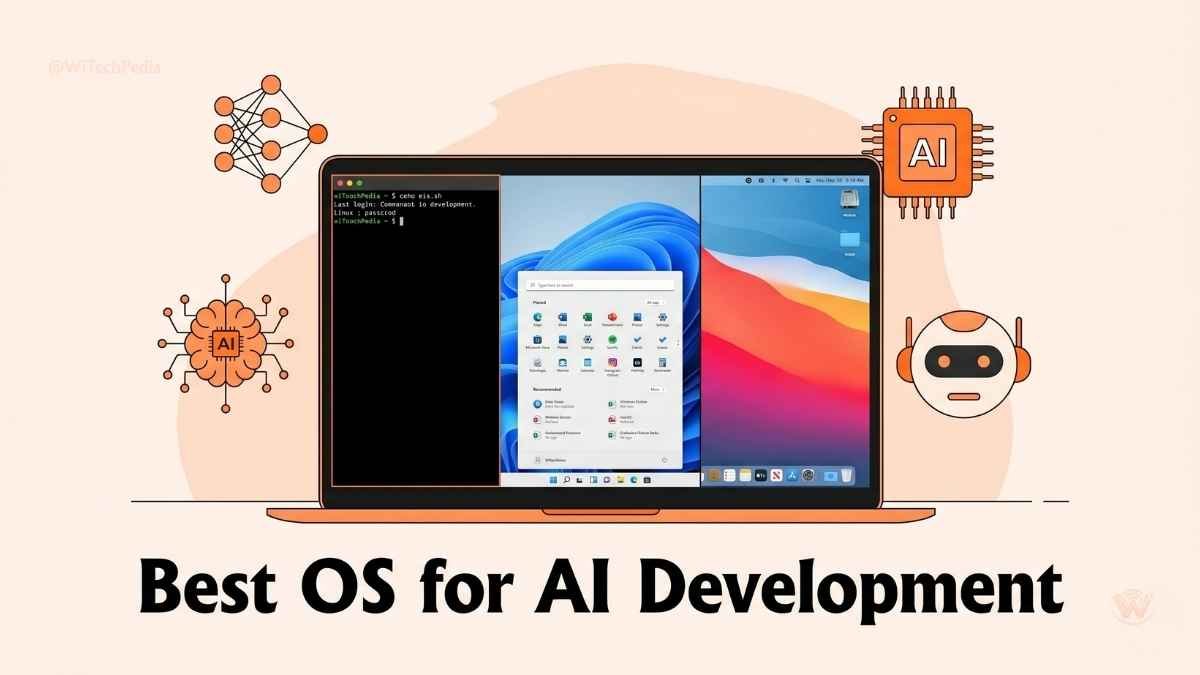
Building artificial intelligence isn’t just about the algorithms you write; it’s about the environment where you write them. In 2026, the computing power required for deep learning models is immense, and your operating system acts as the gatekeeper to that hardware.
If you want to train models efficiently, deploy seamlessly, and avoid dependency nightmares, you need the best OS for AI development.
But which one should you choose? Should you default to the industry-standard Linux, leverage the flexibility of Windows 11, or trust the optimized hardware of Apple’s macOS? In this guide, we will break down the strengths, weaknesses, and real-world use cases of each platform to help you build your ideal AI workspace.
Why Your OS Matters in AI Development
Your operating system dictates how your software communicates with your hardware. When training complex neural networks, every drop of computing power matters. The right OS ensures smooth GPU acceleration OS integration, native support for popular libraries, and painless PyTorch environment setup. A mismatched OS, on the other hand, can lead to days wasted troubleshooting driver conflicts and missing dependencies. AI development isn’t just about algorithms. It’s about:
- Hardware compatibility (GPUs, drivers, CUDA support)
- Software ecosystems (libraries, frameworks, IDEs)
- Performance optimization (memory management, multitasking)
- Community support (documentation, forums, tutorials)
Choosing the right OS ensures smoother training, faster prototyping, and fewer headaches.
Top Operating Systems for AI Development
🐧 Linux (Ubuntu, Fedora, CentOS)
The Undisputed King of AI Workflows
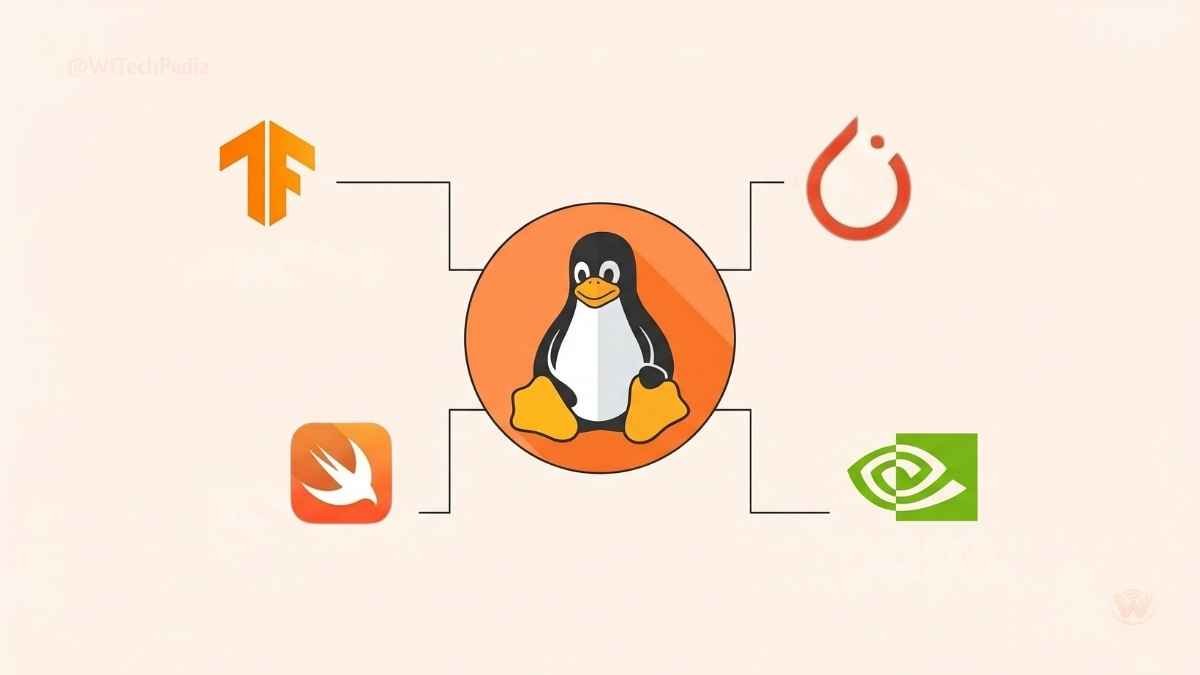
When it comes to the best operating system for deep learning, Linux reigns supreme. The vast majority of AI research, enterprise deployment, and cloud infrastructure runs on Linux distributions.
Ubuntu AI programming, in particular, is the gold standard. Canonical’s Ubuntu offers unparalleled support for the libraries and frameworks that AI developers rely on every day.
Pros
- Native Hardware Support: Out-of-the-box CUDA compatibility for NVIDIA GPUs.
- Framework First: Almost all TensorFlow supported systems and PyTorch updates are optimized for Linux first.
- Resource Efficiency: Minimal background bloat means more RAM and CPU power dedicated to your models.
Cons
- Steeper learning curve for developers accustomed to graphical interfaces.
- Lacks native support for some enterprise productivity software (like Microsoft Office or Adobe Creative Cloud).
Best For: Serious data scientists, researchers, and engineers working on large-scale model training and cloud deployments.
🪟 Windows 11
Bridging the Gap with WSL2 Machine Learning
Historically, the Windows vs Linux for AI debate was a short one—Linux won easily. However, Microsoft changed the game with the introduction of the Windows Subsystem for Linux (WSL2).
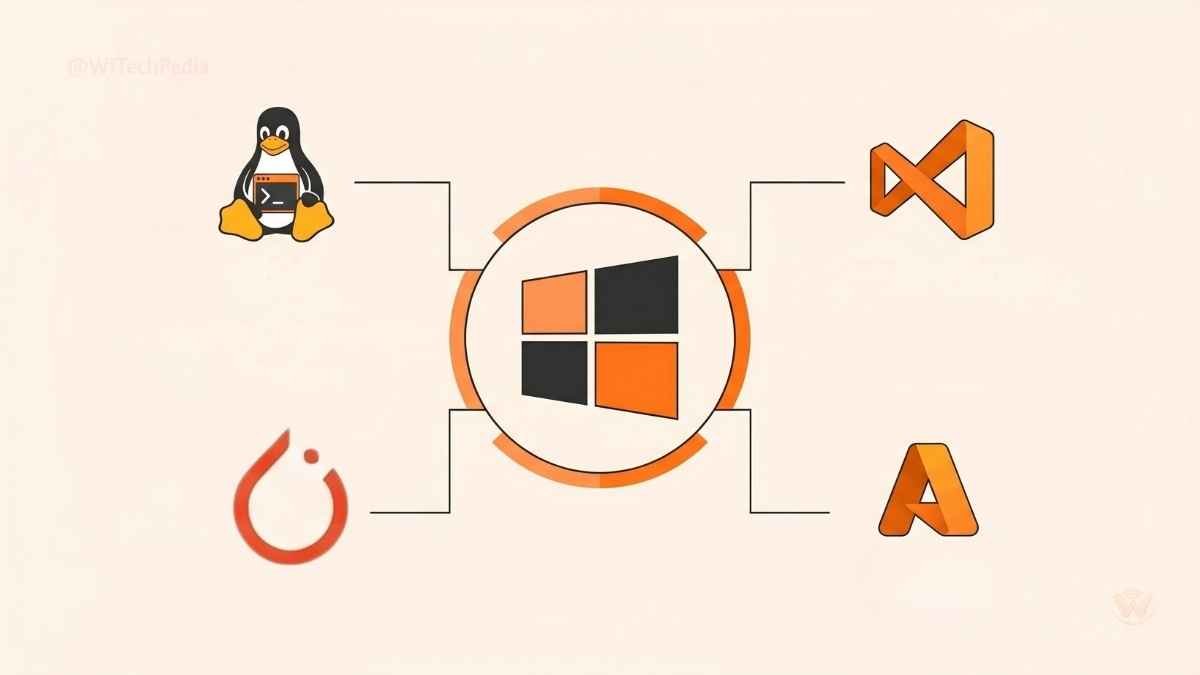
Windows 11 allows you to run a full Linux kernel alongside your Windows desktop. This means you can enjoy the seamless UX and enterprise app compatibility of Windows while utilizing WSL2 machine learning capabilities to run Linux-native AI tools and access your GPU directly.
Pros
- The Best of Both Worlds: Write code in Windows using Visual Studio Code, but execute it in an Ubuntu terminal.
- DirectML Support: Microsoft’s API allows for hardware-accelerated machine learning across different GPU vendors (NVIDIA, AMD, Intel).
- Enterprise Integration: Seamless compatibility with corporate IT environments and Azure cloud services.
Cons
- Slight performance overhead compared to bare-metal Linux.
- File system performance across the Windows/Linux boundary can sometimes bottleneck massive datasets.
Best For: Corporate developers, students, and hybrid workers who need AI development tools without sacrificing standard desktop applications.
🍏 macOS (Ventura, Sonoma)
macOS for AI Development and Apple Silicon
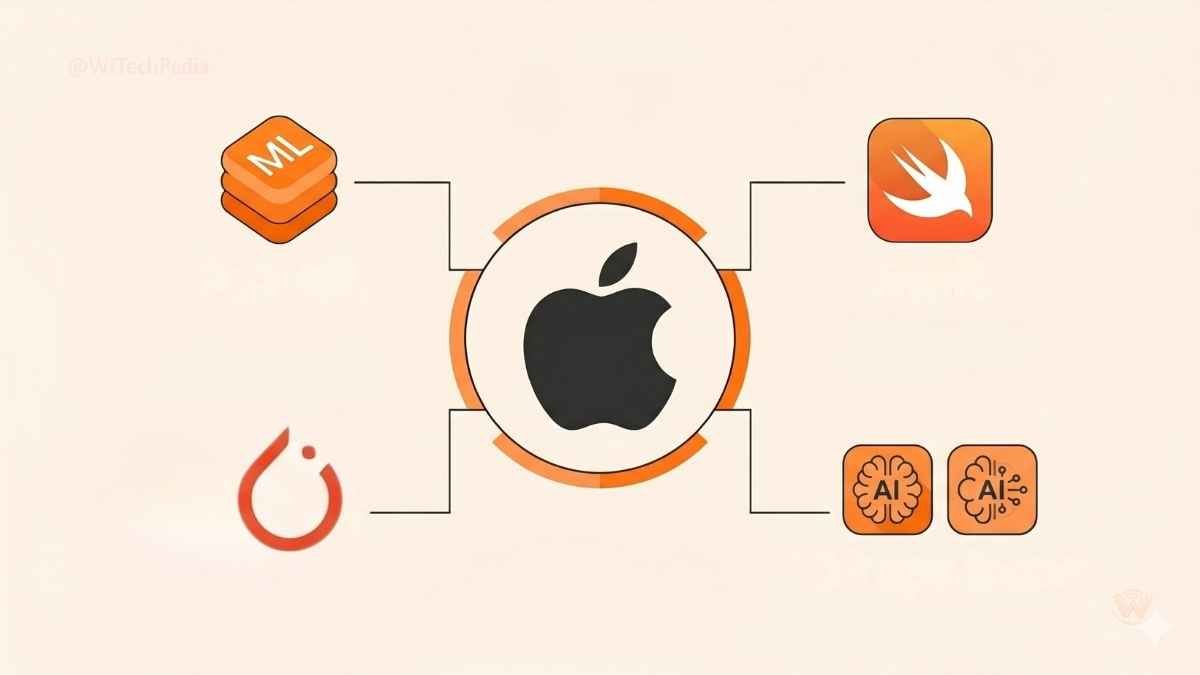
Apple’s transition to M-series chips (M1, M2, M3, M4) revolutionized macOS for AI development. The unified memory architecture in Apple Silicon allows developers to load massive models (like Large Language Models) directly into RAM—something that would require incredibly expensive, specialized GPUs on traditional PC builds.
With Apple’s MLX framework and Core ML, developers can heavily optimize models for the Apple ecosystem.
Pros
- Unified Memory: Run massive LLMs locally on your laptop without buying a dedicated server.
- Battery Life & Efficiency: Unmatched performance-per-watt for on-the-go coding.
- Ecosystem Integration: The absolute requirement if you are building AI applications for iOS, iPadOS, or visionOS.
Cons
- Lacks NVIDIA CUDA compatibility, meaning some legacy codebases or highly specific research tools may require workarounds.
- Hardware is non-upgradable.
Best For: App developers targeting Apple devices, on-the-go data scientists, and engineers experimenting with local LLMs via unified memory.
Comparison Table: Best OS for AI Development
To help you decide, here is a breakdown of how these operating systems stack up across crucial AI development metrics.
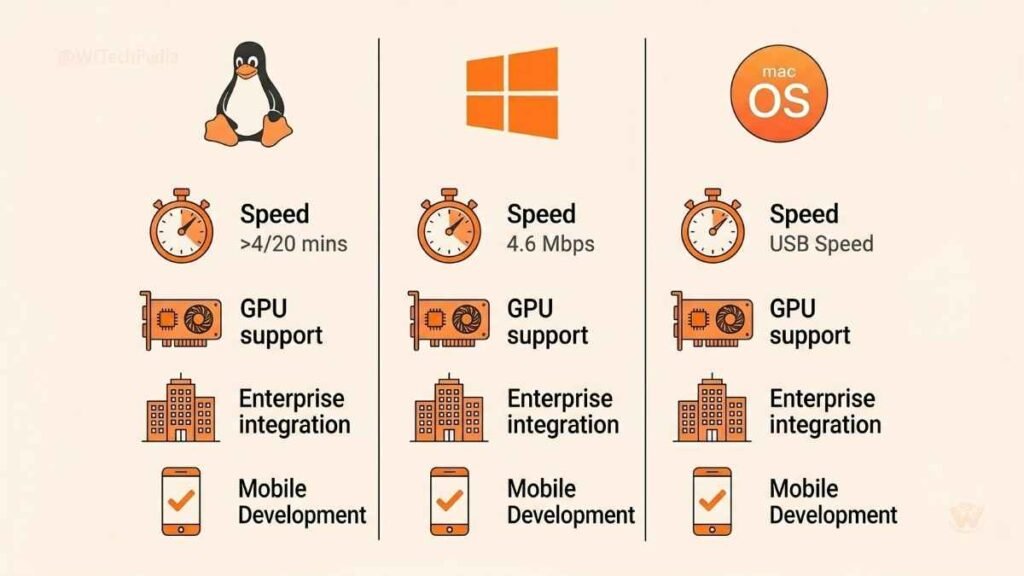
| Feature / Requirement | Linux (Ubuntu) | Windows 11 (with WSL2) | macOS (Apple Silicon) |
| Deep Learning Training | ⭐⭐⭐⭐⭐ (Industry Standard) | ⭐⭐⭐⭐ (Great via WSL2) | ⭐⭐⭐ (Good for local LLMs) |
| NVIDIA GPU Support | Excellent (Native) | Excellent (Via WSL2) | None (Apple GPUs only) |
| Cloud Deployment Parity | 100% Match | High (via Linux Subsystem) | Moderate |
| Ease of Setup | Moderate | High | Very High |
| Ideal Use Case | Cloud servers, heavy research | Enterprise environments | Local inference, iOS AI apps |
FAQs
What is the best operating system for deep learning?
For raw performance and compatibility, Linux (specifically Ubuntu) is the best operating system for deep learning. It offers native support for NVIDIA GPUs, CUDA, and is the primary target for major AI frameworks like PyTorch and TensorFlow.
Do I need Linux for machine learning?
You do not strictly need a dedicated Linux machine. While Linux for machine learning is the industry standard, Windows 11 users can utilize WSL2 to run a Linux environment natively within Windows, offering nearly identical performance for most AI workflows.
Are TensorFlow supported systems available on macOS?
Yes, TensorFlow is supported on macOS. Apple provides a specialized Metal plug-in for TensorFlow that allows developers to leverage the GPU acceleration of Apple Silicon (M-series chips) for training and inference.
How does a GPU acceleration OS impact training times?
An OS that efficiently handles GPU acceleration minimizes the communication bottleneck between the CPU and the graphics card. Proper driver support (like native NVIDIA drivers on Linux) can reduce model training times from weeks to mere hours by parallelizing mathematical computations.
Which OS is best for a PyTorch environment setup?
Linux is universally considered the best OS for a seamless PyTorch environment setup due to out-of-the-box compatibility with Conda, PIP, and NVIDIA’s CUDA toolkit. However, Windows via WSL2 and macOS (using MPS backend) are highly capable alternatives.
How to Select the Best OS for AI Development Needs?
Assess your hardware and end-goals. If you have an NVIDIA GPU and want maximum performance, choose Linux. If you need enterprise tools alongside your code, use Windows 11. If you want to run large language models locally on a laptop or develop iOS apps, choose macOS.
Summary: The Verdict on Your Next AI Workspace
Choosing the right operating system sets the foundation for your success in artificial intelligence. Here are the key takeaways:
- Linux remains the king: For raw power, server deployment, and absolute control, Ubuntu is the definitive choice.
- Windows is the ultimate hybrid: WSL2 has made Windows 11 a powerhouse for developers who need both robust AI tools and everyday productivity apps.
- macOS is the local LLM champion: Apple Silicon’s unified memory makes Macs uniquely capable of running massive models locally, alongside being essential for iOS AI development.
The best OS for AI development ultimately depends on your specific hardware and deployment goals. Stop fighting your operating system and start building the future.
Ready to upgrade your AI hardware? Check out our comprehensive guide on the Best GPUs for Machine Learning in 2026 and subscribe to the WiTechPedia newsletter for weekly tutorials, tech reviews, and developer insights!