







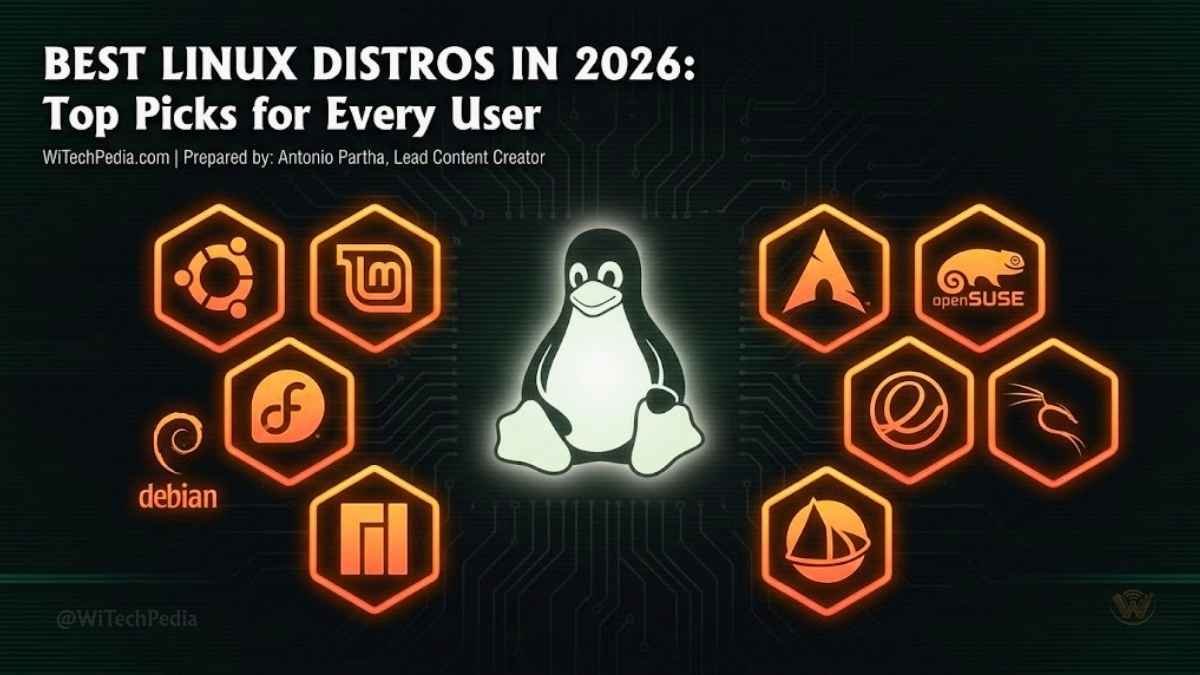
Over 600 Linux distributions exist today — and yet most people only need one. The right choice can transform your computing experience; the wrong one can send you straight back to Windows. So which of the best Linux distros actually deserves a place on your machine in 2026?
Whether you’re a total newcomer who’s never left Windows, a seasoned developer who lives in the terminal, or someone trying to resurrect a decade-old laptop, there is a Linux distribution built precisely for you. This guide cuts through the noise and gives you the definitive, expert-ranked rundown.

What Makes a Linux Distro “The Best”?
Before diving into picks, it’s worth establishing what separates a great distribution from a forgettable one. A truly excellent Linux distro delivers on five pillars:
- Ease of installation and setup — Does it work out of the box?
- Hardware compatibility — Will it detect your Wi-Fi card, GPU, and printer without a fight?
- Software ecosystem — Is your essential software available and easy to install?
- Community and documentation — When you hit a wall, is help just a search away?
- Performance and stability — Does it run fast, and does it stay out of your way?
With those criteria in mind, let’s get into the distros.
Best Linux Distros in 2026: Our Top Picks
We have listed the 10 best Linux distros for every users form beginners’ to power users, Gamers and Creative Professionals to Cybersecurity Professionals. So no matter which profession you’re belongs to you’ll find in this list according to your need. If you’re a freshman, can learn How to install Linux on any device, a complete guide.
1. Ubuntu — Overall Best Linux Distro for Beginners
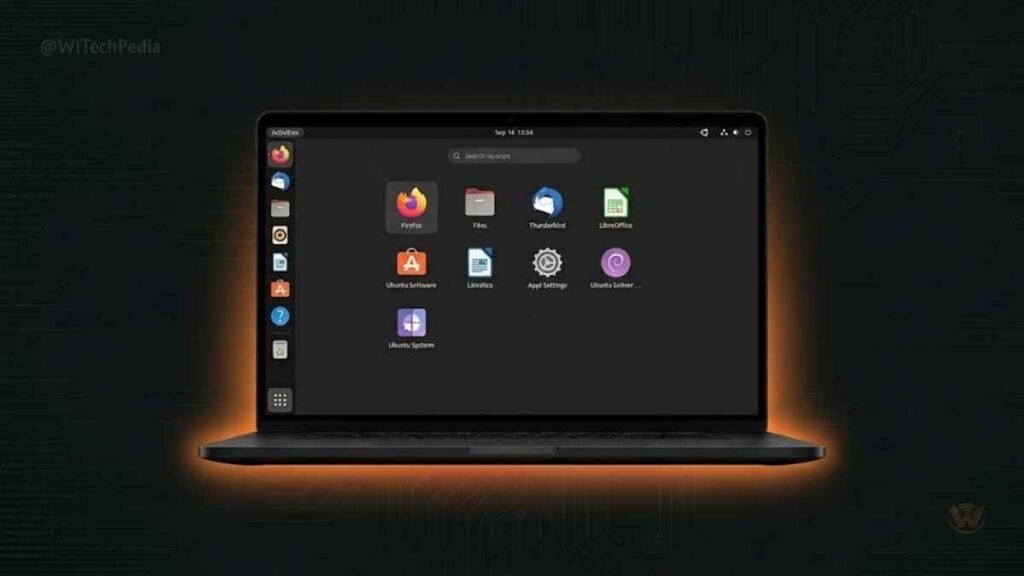
Ubuntu remains the gold standard of approachable Linux. Maintained by Canonical, it ships with a polished GNOME desktop, a massive software repository, and arguably the most extensive community documentation of any Linux distribution.
Why it wins:
- The Ubuntu Software Center makes app installation trivially easy
- Long-Term Support (LTS) releases are supported for five years, ensuring stability
- Thousands of tutorials, Stack Overflow answers, and YouTube guides exist for virtually every problem you’ll encounter
- Works on a huge range of hardware — from mid-range laptops to enterprise servers
Ideal for: First-time Linux users, students, general desktop computing, cloud servers (AWS, Google Cloud, and Azure all feature Ubuntu as a first-class citizen)
Latest version: Ubuntu 24.04 LTS “Noble Numbat”
Pro Tip: If GNOME feels heavy on your hardware, try Xubuntu (XFCE desktop) or Lubuntu (LXQt desktop) — both are official Ubuntu flavours with significantly lower resource usage.
2. Linux Mint — Best Linux Distro for Windows Switchers
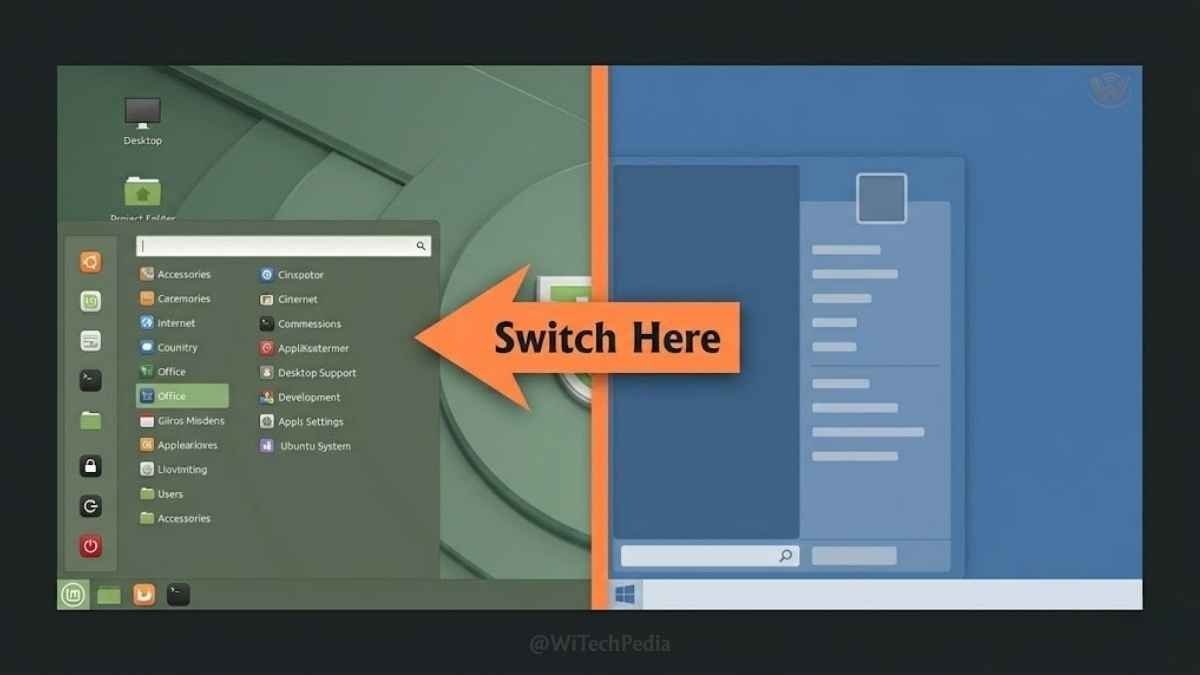
Linux Mint is built on Ubuntu but makes one bold design decision: it keeps things familiar. The Cinnamon desktop looks and behaves much like Windows 7, complete with a taskbar, start menu, and system tray. For anyone migrating from Windows, this dramatically reduces the learning curve.
Why it wins:
- Ships with multimedia codecs, Flash support, and Java pre-installed — removing a common friction point
- The Mint Update Manager is conservative by default, prioritizing stability over bleeding-edge packages
- Excellent hardware support, inheriting Ubuntu’s broad driver compatibility
- The Timeshift backup utility is bundled, offering macOS Time Machine-like snapshots
Ideal for: Windows emigrants, office workers, non-technical users who want a “just works” experience
Latest version: Linux Mint 22.3 ‘Zena’
3. Fedora — Best Linux Distro for Developers
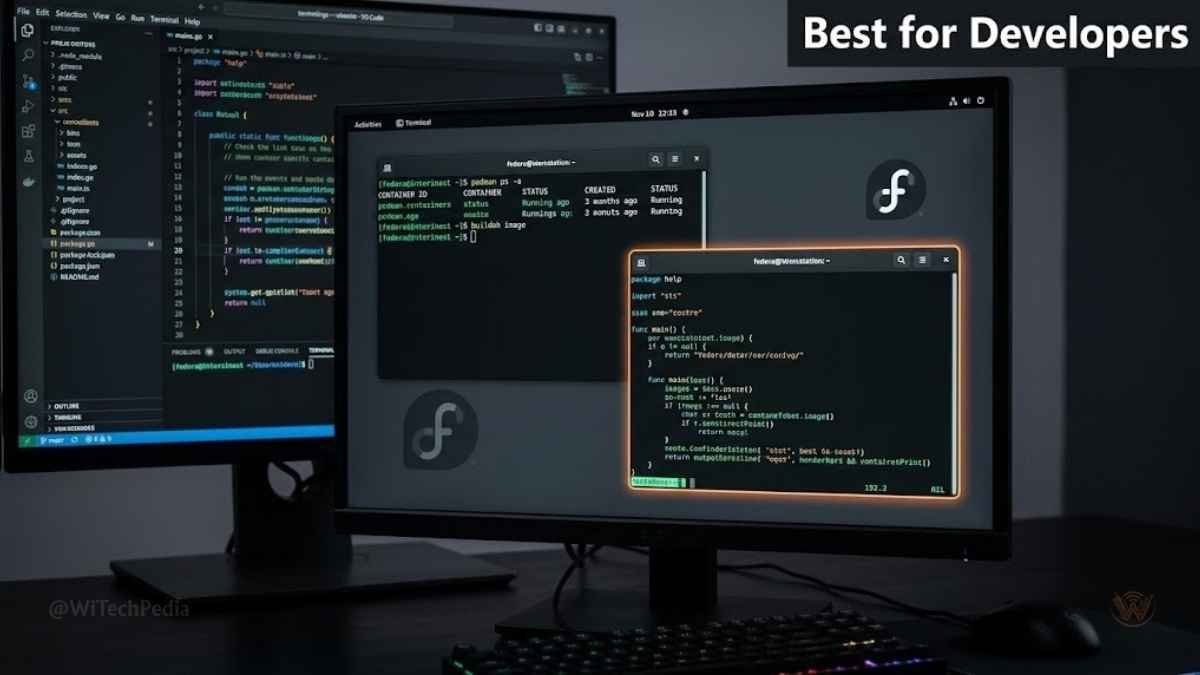
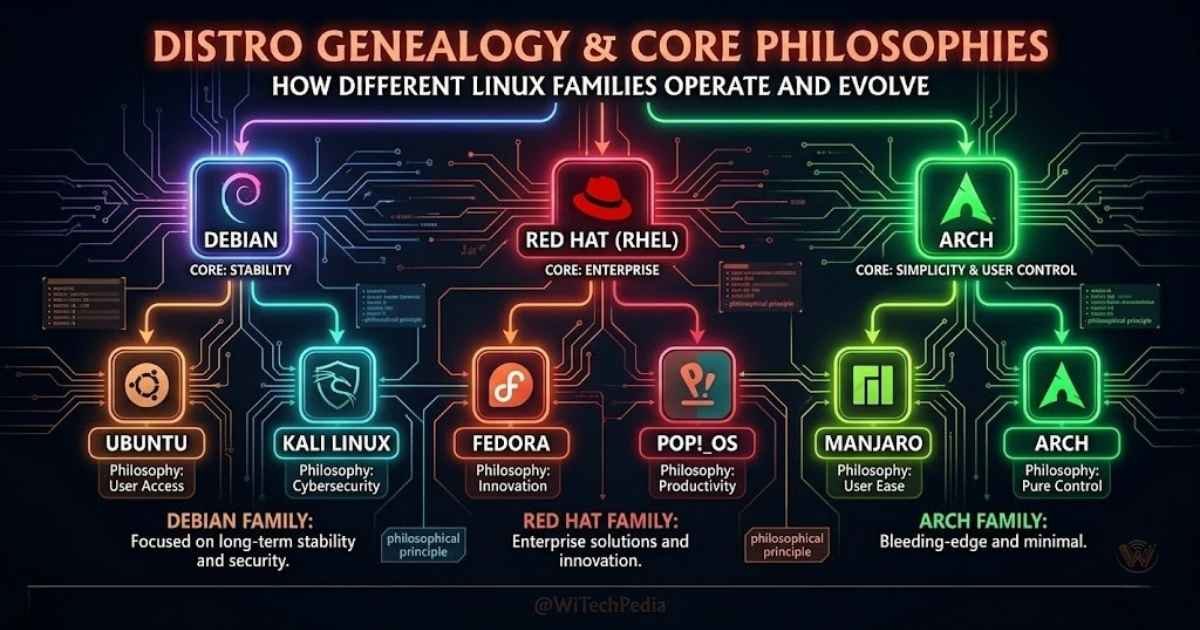
Fedora is Red Hat’s community-driven upstream distribution and operates at the intersection of stability and cutting-edge innovation. It ships with the very latest kernel versions and GNOME releases, making it a favourite among software engineers who need a modern, well-maintained development environment.
Why it wins:
- Ships with the latest software — Fedora often gets new kernel and GNOME features months before Ubuntu
- Red Hat’s engineering investment means corporate-grade reliability
- Excellent container and virtualization tooling (Podman, Buildah) built in
- Flatpak integration is first-class — access thousands of sandboxed apps from Flathub
- Clean GNOME implementation — no heavy customizations, pure upstream experience
Ideal for: Software developers, DevOps engineers, system administrators, open-source contributors
Latest version: Fedora 40
4. Arch Linux — Best Linux Distro for Power Users
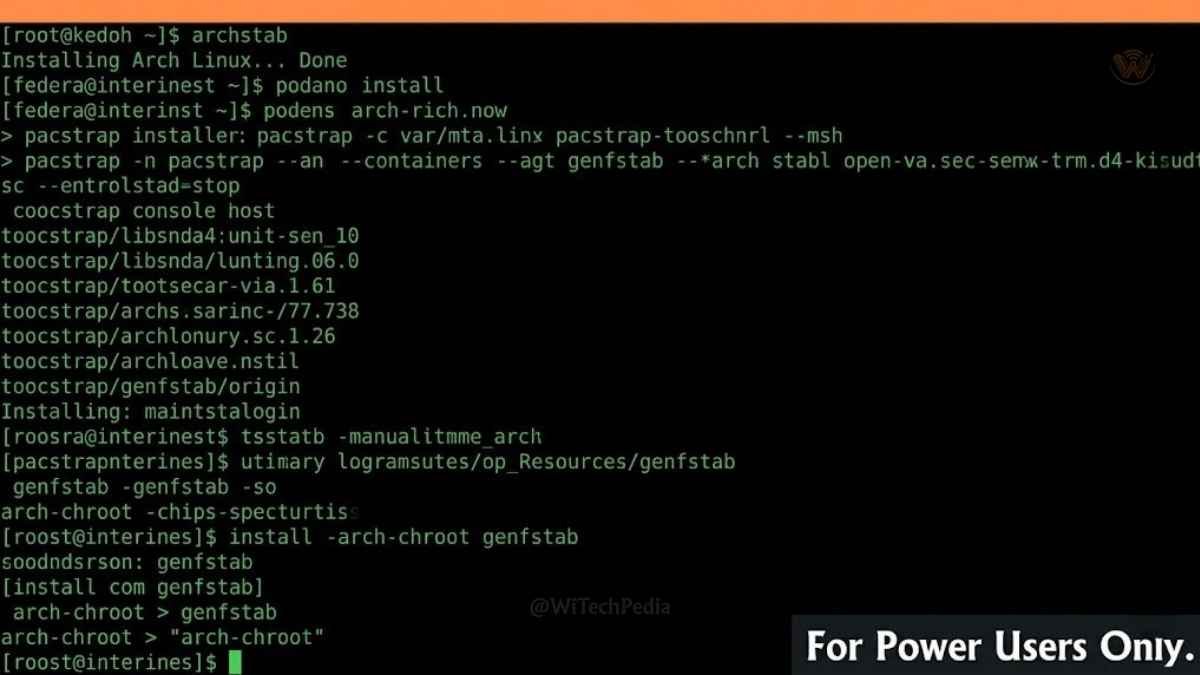
Arch Linux is not for the faint of heart — and that’s exactly the point. There is no graphical installer. You partition your disk manually, install the base system via command line, and build your environment piece by piece. In return, you get total control and a deep understanding of how Linux actually works.
Why it wins:
- The rolling release model means you always have the latest packages — no version upgrades, ever
- The Arch Wiki is legendary; it’s one of the most comprehensive technical references in computing
- The AUR (Arch User Repository) contains nearly any package you could want, maintained by the community
- Minimal bloat — you install only what you need, nothing more
Ideal for: Experienced Linux users, tinkerers, anyone who wants to build their system from scratch
Pr0Tip: Not ready for a pure Arch install? Try Manjaro — it uses Arch’s rolling release model and AUR, but adds a user-friendly graphical installer and sensible defaults.
5. Pop!_OS — Best Linux Distro for Gamers and Creative Professionals
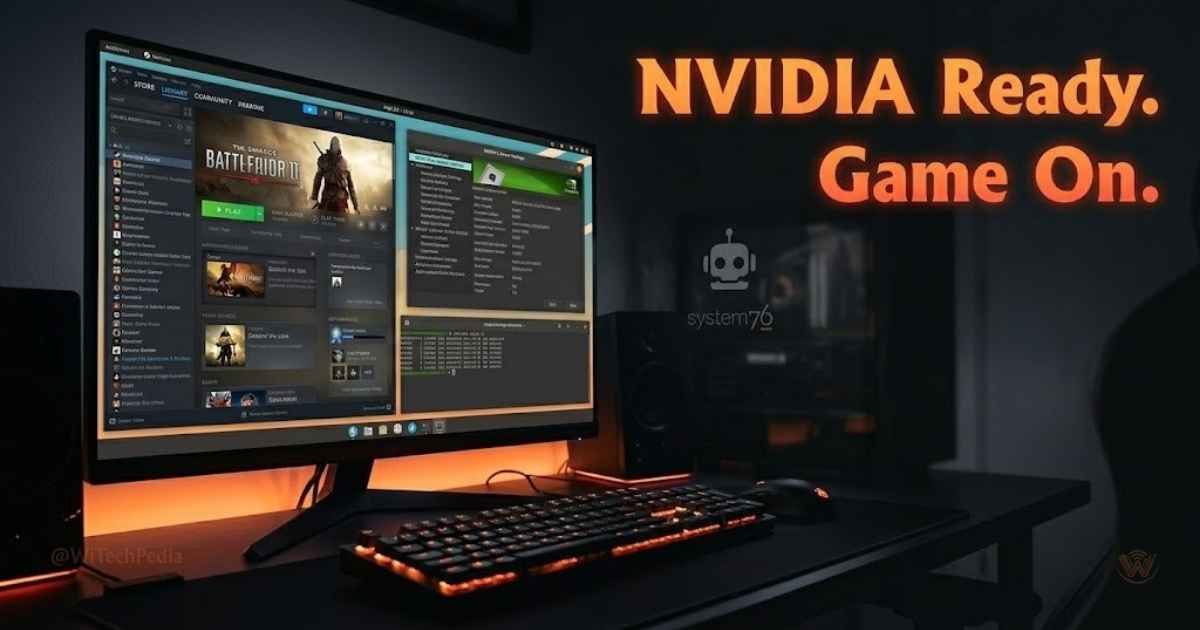
Developed by System76 (a Linux hardware company), Pop!_OS is built on Ubuntu but tuned for performance. It ships with NVIDIA GPU drivers pre-installed (a persistent pain point across many distros) and includes a highly polished, keyboard-driven GNOME variant that productivity enthusiasts love.
Why it wins:
- Out-of-the-box NVIDIA driver support — critical for gaming on Linux, ML workloads, and video production
- The Pop!_OS Cosmic desktop (currently in alpha as of 2025) is being written in Rust — promising exceptional speed and responsiveness
- Automatic tiling window management for multitaskers
- Excellent for machine learning workflows: curated CUDA stack and deep learning packages available via the Pop!_Shop
Ideal for: Gamers, data scientists, creative professionals, System76 hardware owners
Latest version: Pop!_OS 22.04 LTS
6. Debian — Best Stable Linux Distro for Servers
Debian is the grandparent of the Ubuntu family tree and the definition of “battle-tested.” It trades cutting-edge features for ironclad stability — package versions are often older, but they have been exhaustively tested before inclusion. Major platforms like Raspberry Pi OS are Debian derivatives.
Why it wins:
- The Debian Stable branch is legendary for reliability in server environments
- Massive software repository (over 59,000 packages)
- No corporate backing means community-driven decisions with no commercial agenda
- Excellent for cybersecurity professionals — Debian forms the base of Kali Linux
Ideal for: Web servers, home servers, embedded systems, anyone prioritizing stability over novelty
7. Kali Linux — Best Linux Distro for Cybersecurity Professionals
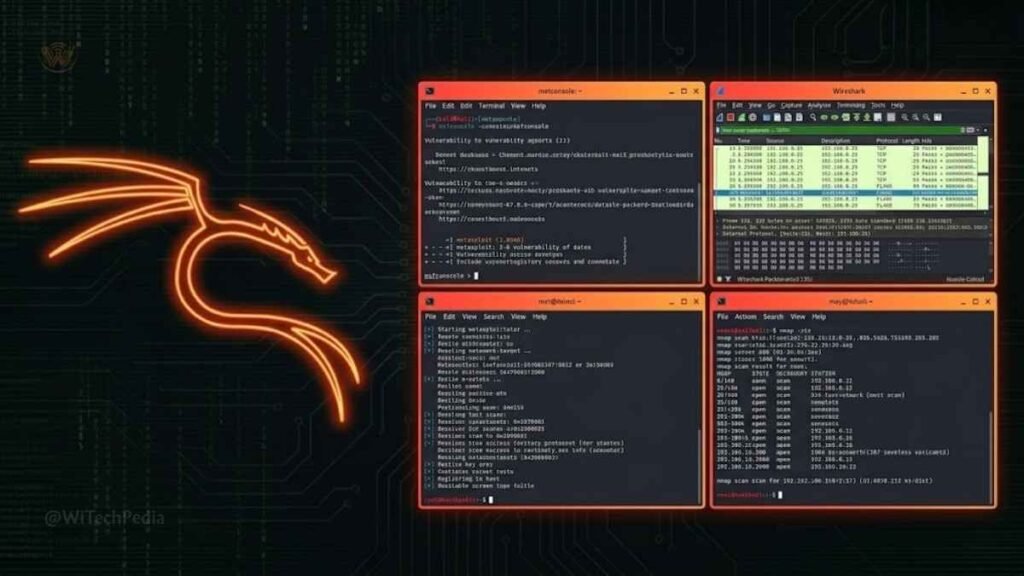
Kali Linux is the industry-standard operating system for penetration testing and ethical hacking. Maintained by Offensive Security, it comes pre-loaded with over 600 security and forensics tools — including Metasploit, Wireshark, Aircrack-ng, and Burp Suite.
Why it wins:
- The definitive penetration testing toolkit in a single install
- Regularly updated tools directly from maintainers
- Available in multiple form factors: full desktop, lightweight, ARM (for Raspberry Pi), and cloud images
- Seamless integration with cybersecurity certification workflows (OSCP, CEH, etc.)
Ideal for: Ethical hackers, security researchers, CTF competitors, IT security students
⚠️ Important: Kali Linux is a specialized tool. Using it as a daily driver without prior Linux experience is strongly discouraged.
8. Zorin OS — Best-Looking Linux Distro for Design-Conscious Users
Zorin OS combines Ubuntu’s solid foundation with exceptional visual design and an innovative layout-switching feature that can make the desktop look like Windows 11, macOS, or Chrome OS — simultaneously reducing the migration anxiety for newcomers.
Why it wins:
- The Zorin Appearance panel lets you switch desktop layouts in seconds
- Beautifully polished UI out of the box — arguably the most visually refined Linux distro
- Zorin Connect integrates your Android phone (notifications, file transfer) into the desktop
- Zorin Education edition is tailored for schools and students
Ideal for: Design-conscious users, schools, businesses migrating from Windows
9. Alpine Linux — Best Lightweight Linux Distro for Containers
Alpine Linux is tiny. The base install weighs in at under 8 MB — making it the go-to base image for Docker containers worldwide. It uses musl libc and BusyBox instead of the more common glibc and GNU utilities, resulting in a dramatically smaller attack surface.
Why it wins:
- Default Docker base image for thousands of production services
- Minimal attack surface — ideal for DevOps and cloud-native environments
- Lightweight enough to run on embedded devices and IoT hardware
- Security-oriented by design (position-independent executables, stack-smashing protection)
Ideal for: DevOps engineers, Docker and Kubernetes deployments, IoT, embedded systems
10. EndeavourOS — Best Beginner-Friendly Arch-Based Distro
EndeavourOS gives users the Arch Linux experience with a greatly simplified installation process via its Calamares GUI installer. It’s essentially Arch with training wheels — but the training wheels come off the moment the install is complete, leaving you with a pure Arch-based system.
Why it wins:
- Arch rolling releases without the manual install process
- Minimal default setup — you choose your desktop environment during install
- Friendly, active community that treats beginners with respect
- Rolling release means perpetually current software
Ideal for: Intermediate users ready to graduate from Ubuntu, Arch-curious users who want a gentler onramp
Linux Distro Comparison Table
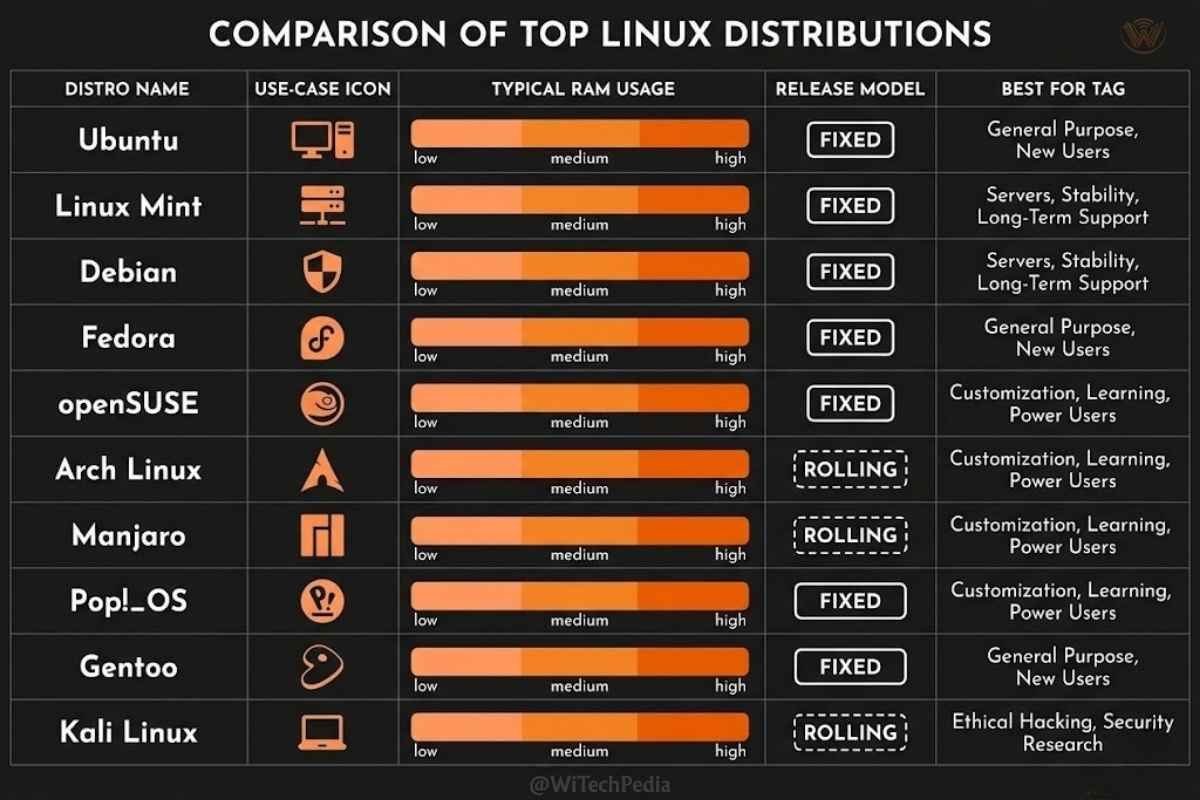
| Distro | Base | Desktop | Best For | Release Model | RAM Usage |
|---|---|---|---|---|---|
| Ubuntu | Debian | GNOME | Beginners, General Use | Fixed (LTS) | ~1.5 GB |
| Linux Mint | Ubuntu | Cinnamon | Windows Switchers | Fixed | ~1.0 GB |
| Fedora | RPM | GNOME | Developers | Fixed (6-month) | ~1.5 GB |
| Arch Linux | Independent | Any (DIY) | Power Users | Rolling | ~200 MB+ |
| Pop!_OS | Ubuntu | GNOME/Cosmic | Gamers, Creatives | Fixed | ~1.5 GB |
| Debian | Independent | GNOME/KDE/XFCE | Servers, Stability | Fixed (Stable) | ~800 MB |
| Kali Linux | Debian | XFCE | Cybersecurity | Rolling | ~1.5 GB |
| Zorin OS | Ubuntu | GNOME (custom) | Aesthetics, Design | Fixed | ~1.2 GB |
| Alpine Linux | Independent | None (headless) | Containers, IoT | Rolling | <50 MB |
| EndeavourOS | Arch | Any (user choice) | Arch Beginners | Rolling | ~200 MB+ |
How to Choose the Right Linux Distro for You
For Beginners
Start with Ubuntu or Linux Mint. Both have massive communities, extensive documentation, and smooth hardware compatibility. Mint is especially recommended if you’re migrating from Windows.
For Developers
Fedora is the sweet spot — modern tooling, stable base, container-first approach. For those who want maximum control, Arch Linux rewards deep investment.
For Gamers
Pop!_OS wins for NVIDIA GPU users. Steam Deck runs a custom Arch-based distro (SteamOS), which signals the industry’s confidence in Linux as a gaming platform.
For Old Hardware
Try Linux Mint XFCE, Lubuntu, or AntiX — all designed to run well on machines with 1–2 GB of RAM and older CPUs.
For Servers
Debian Stable and Ubuntu Server LTS are the workhorses of the web hosting industry. Alpine Linux dominates containerized environments.
For Privacy and Security
Tails OS (live USB only, leaves no trace) and Whonix (routes all traffic through Tor) are purpose-built for anonymity. For penetration testing, Kali Linux is the standard.
Frequently Asked Questions
What is the best Linux distro for beginners in 2026?
Ubuntu and Linux Mint are the top choices for beginners. Ubuntu offers the largest community and the most comprehensive documentation, while Linux Mint provides a familiar Windows-like interface that dramatically reduces the learning curve. Both install easily, detect most hardware automatically, and have extensive software libraries.
Which Linux distro is best for programming and development?
Fedora is widely regarded as the best Linux distro for developers in 2025. It ships with the latest kernel and GNOME releases, has exceptional container tooling (Podman, Buildah), and benefits from Red Hat’s engineering investment. Arch Linux and its derivatives are popular among developers who prefer maximum control. For data scientists and ML engineers, Pop!_OS offers pre-configured NVIDIA/CUDA support.
Can Linux run Windows software?
Not natively — but tools like Wine and Proton (the compatibility layer that powers Steam’s Linux gaming) allow many Windows applications and games to run on Linux. For full compatibility, tools like Bottles provide a graphical Wine manager. Alternatively, running Windows in a virtual machine (via VirtualBox or GNOME Boxes) provides complete compatibility.
Is Linux difficult to learn?
It depends on the distro. Ubuntu and Linux Mint require no prior Linux knowledge — the installation process rivals Windows in simplicity, and day-to-day use feels familiar within days. Arch Linux, on the other hand, requires significant technical investment. Most users start with a beginner-friendly distro and gradually build confidence toward more advanced options.
What is a rolling release Linux distro?
A rolling release distro continuously delivers updates to all packages — including the kernel, desktop environment, and applications — without requiring a major version upgrade. Arch Linux, EndeavourOS, and Kali Linux use this model. The advantage is always having the latest software; the trade-off is that updates occasionally introduce instability. Fixed-release distros (Ubuntu, Fedora) release major versions on a schedule and are generally more predictable for production use.
Which Linux distro is best for gaming in 2026?
Pop!_OS leads for gaming thanks to pre-installed NVIDIA drivers and strong Steam integration. Ubuntu and Fedora are also solid gaming platforms with full Steam and Lutris support. Valve’s SteamOS (Arch-based) on the Steam Deck has dramatically elevated Linux gaming credibility — check our full Linux gaming guide for a deep dive.
Do I need to know how to use the command line to use Linux?
No — for beginner-friendly distros like Ubuntu and Mint, you can accomplish nearly everything through graphical tools. That said, learning basic terminal commands will make you dramatically more capable and is a skill worth investing in. Resources like the Linux command line guide on The Linux Command Line make this accessible to everyone.
The Verdict: Which Linux Distro Should You Choose?
Choosing among the best Linux distros ultimately comes down to your goals, your hardware, and your comfort level with technical complexity. Here are the key takeaways:
- Start with Ubuntu or Linux Mint if you’re new to Linux — both are welcoming, stable, and widely supported.
- Choose Fedora for development work — it’s the most developer-forward mainstream distro in 2025.
- Pick Pop!_OS for gaming or creative work — especially if you have an NVIDIA GPU.
- Graduate to Arch/EndeavourOS when you want to go deeper — the rolling release model and AUR access are genuinely transformative.
- Use Debian or Alpine for servers and containers — when stability and minimal footprint matter most.
Linux isn’t a compromise. For tens of millions of users worldwide, it’s the preferred operating system — faster, more customizable, and more transparent than any proprietary alternative. In 2025, there’s never been a better time to make the switch.
Ready to explore more? Read our in-depth guide to Getting Started with Linux or compare Linux vs Windows vs macOS to understand which platform is right for your workflow.
Subscribe to the WiTechPedia newsletter for weekly deep dives on operating systems, open-source tools, and tech that matters.