







Every 39 seconds, another cyberattack is launched. The reality is stark: it is no longer a question of if you will face a digital threat, but when. As our lives become increasingly digital, relying on default settings is a recipe for disaster. But don’t panic. Taking control of your digital perimeter is easier than you think. In this comprehensive personal cybersecurity guide, I will walk you through the absolute best cybersecurity tips to defend your data, devices, and peace of mind.
Whether you are a casual web surfer or a seasoned developer, mastering internet safety tips is non-negotiable. Let’s lock down your digital world.
🛡️ Essential Cybersecurity Tips for Everyone
To build a fortress, you need a solid foundation. These core habits are your first line of defense against cybercriminals.
Master Password Management Tools
Forget the sticky notes. Human memory cannot handle the complexity required for modern security. Relying on password management tools is mandatory. These tools generate, store, and auto-fill complex passwords (like x7$Qp9!mZ4@) for every account.
- Real-world use case: If a hacker breaches your favorite streaming service, your banking app remains safe because the passwords are completely different.
Enable Two-Factor Authentication
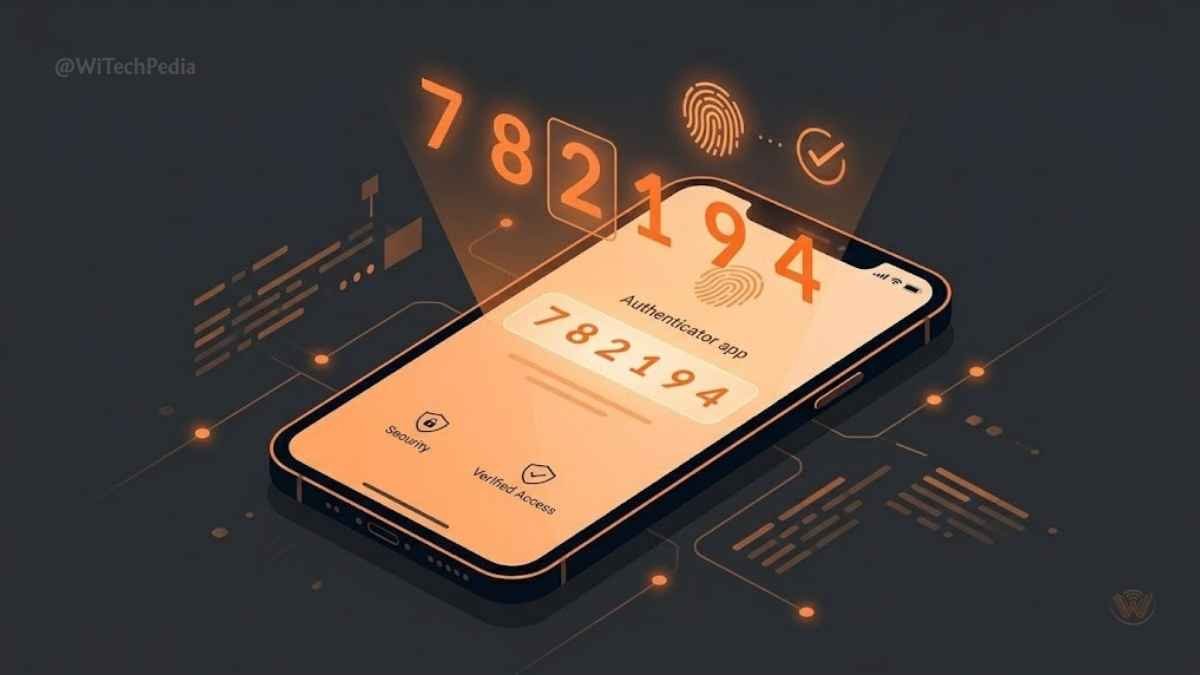
Passwords alone are dead. Even the strongest password can be stolen in a data breach. Enabling two-factor authentication (2FA) adds a critical secondary barrier. When you log in, you must provide a second proof of identity—like a fingerprint, a hardware token, or a time-sensitive code from an authenticator app.
- Expert Insight: Skip SMS-based 2FA if possible. SIM-swapping attacks make text messages vulnerable. Use an app like Google Authenticator or Authy instead.
Pro-Level Cybersecurity Tips for Remote Workers
Remote work blurs the line between personal and professional networks. Always use a Virtual Private Network (VPN) when accessing corporate assets from a public location. A VPN encrypts your traffic, shielding your sensitive data from prying eyes on shared Wi-Fi at coffee shops or airports.
🌐 Network Security Tips: Defending Your Perimeter
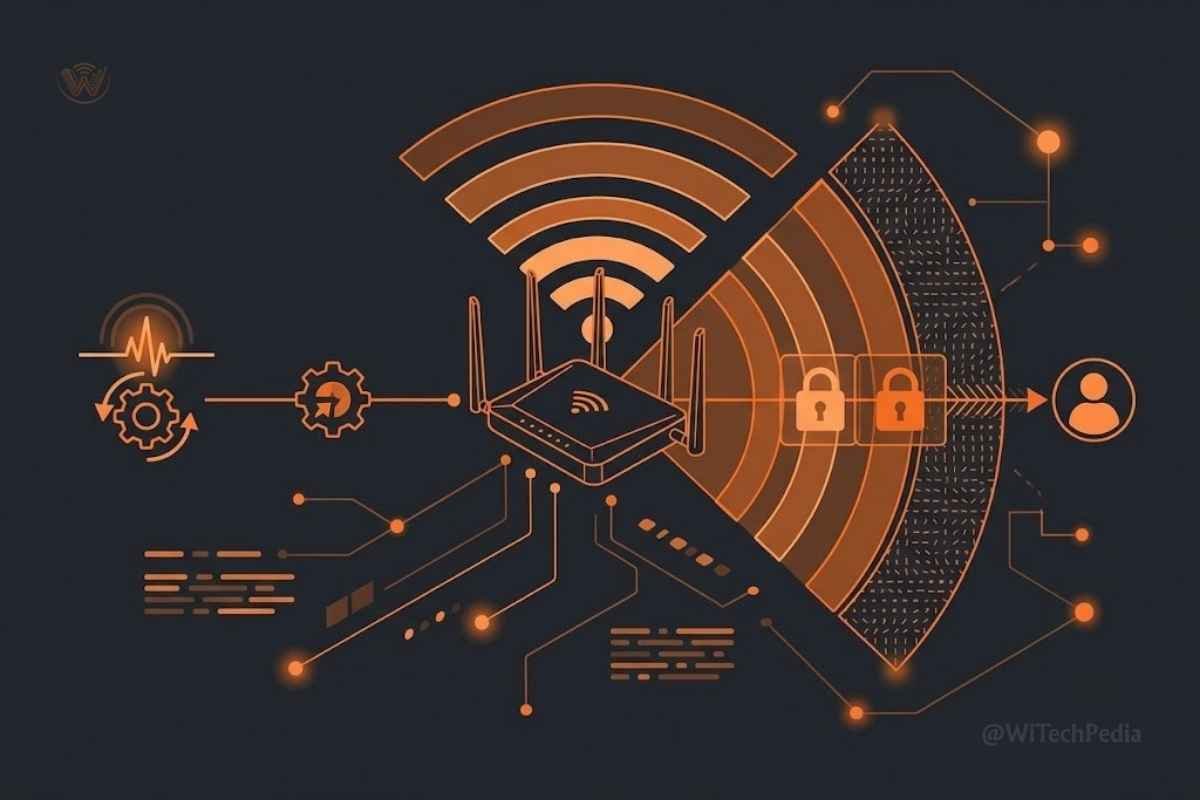
Your router is the front door to your digital home. Leaving it unsecured is like leaving your physical front door wide open. Implementing strong network security tips keeps unauthorized guests out of your hardware.
How to Secure My Home Wi-Fi Network
Most people plug in their router, use the default password printed on the back, and never look at it again. Change this today.
- Change the Default Admin Credentials: Log into your router’s IP address and change the admin password immediately.
- Update the Firmware: Router manufacturers release patches for known vulnerabilities. Turn on auto-updates.
- Use WPA3 Encryption: Ensure your router’s security protocol is set to WPA3 (or WPA2 at a minimum).
- Create a Guest Network: Keep your smart TVs and IoT devices on a separate network from your primary Computing devices.
🛑 Recognizing and Neutralizing Threats
Hackers prefer the path of least resistance. Often, that means tricking you into opening the door for them. Learning how to stay safe online requires a healthy dose of skepticism.

Phishing Attack Prevention
Phishing is psychological manipulation. Attackers send emails or texts posing as trusted entities (like your bank or Netflix) to steal credentials. Phishing attack prevention relies on the “Zero Trust” mindset.
- Never click links in unexpected emails. Navigate directly to the website via your browser.
- Check the sender’s actual address. A display name might say “Apple Support,” but the email address might be
support@scam-domain.com.
What Are the Best Ways to Prevent Malware?
Malicious software can destroy your data or hold it for ransom. To stop it:
- Keep your Operating Systems and apps relentlessly updated.
- Only download software from official stores or verified developer sites.
- Run a reputable, lightweight antivirus program.
Editorial Note: Antivirus is a safety net, not an excuse for reckless browsing. Your brain is the ultimate anti-malware tool. Check out the best Antivirus Software in 2026.
💾 Data Protection Best Practices: Device vs. Cloud
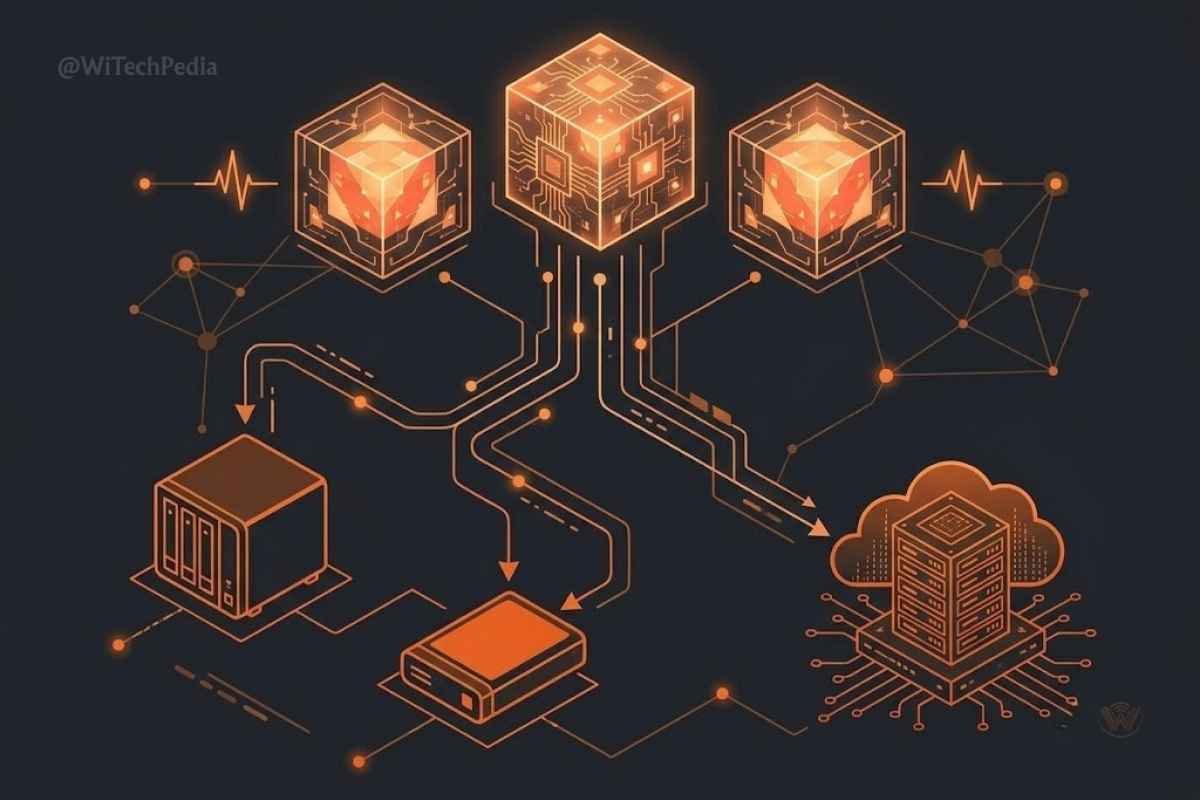
Following data protection best practices ensures that even if a device is lost, stolen, or compromised, your digital life survives. You need a redundant backup strategy.
| Feature | Local Backup (External HDD/SSD) | Cloud Backup (Google Drive, Backblaze) |
| Security | High (if encrypted and kept offline) | High (relies on provider’s encryption and 2FA) |
| Accessibility | Requires physical access | Accessible anywhere with an internet connection |
| Ransomware Risk | Zero (if disconnected after backup) | Low-to-Moderate (unless version history is enabled) |
| Best For | Massive files, full system images, Hardware & Gadgets | Documents, photos, continuous automatic syncing |
The 3-2-1 Rule: Keep 3 copies of your data, on 2 different media types, with 1 copy stored offsite (cloud).
❓ Frequently Asked Questions (FAQ)
What are the best ways to prevent malware from infecting my phone?
To prevent malware on mobile devices, only install apps from the official Google Play Store or Apple App Store. Avoid “jailbreaking” or “rooting” your phone, keep your OS updated, and scrutinize the permissions an app requests upon installation.
How often should I change my passwords?
You should only change your passwords if you suspect a breach, or if a service you use announces a data leak. Routine password expiration often leads to weaker passwords (e.g., changing Password1! to Password2!). Focus on length and complexity instead.
Does incognito mode protect my privacy?
No. Incognito or private browsing modes only prevent your browser from saving your local search history and cookies. Your Internet Service Provider (ISP), network administrator, and the websites you visit can still see your IP address and online activity.
What is the most common cybersecurity threat today?
Social engineering, specifically phishing, remains the most common and successful threat. According to the Cybersecurity and Infrastructure Security Agency (CISA), the vast majority of cyber incidents begin with a compromised human being, rather than a purely technical hack.
Are password managers actually safe?
Yes. Reputable password managers use AES-256 bit encryption and operate on a “zero-knowledge” architecture. This means even the company providing the service cannot see your passwords. They are exponentially safer than reusing the same password across multiple sites.
🎯 Conclusion: Your Next Steps in Digital Defense
Cybersecurity is not a one-time setup; it is an ongoing practice. By shifting your mindset from reactive to proactive, you take the power out of the hands of cybercriminals.
Key Takeaways to Implement Today:
- Stop reusing passwords. Migrate your credentials into a secure password manager.
- Enable 2FA everywhere. Prioritize your email and financial accounts immediately.
- Lock down your router. Change default admin passwords and update the firmware.
- Adopt a Zero Trust mindset. Verify the source of every unexpected email or message before clicking.
Ready to dive deeper into securing your hardware? Check out our WiTechPedia Guide to Securing Android & Mobile Devices to ensure your smartphone is as fortified as your home network. Stay safe, stay curious, and keep your digital world locked down!