







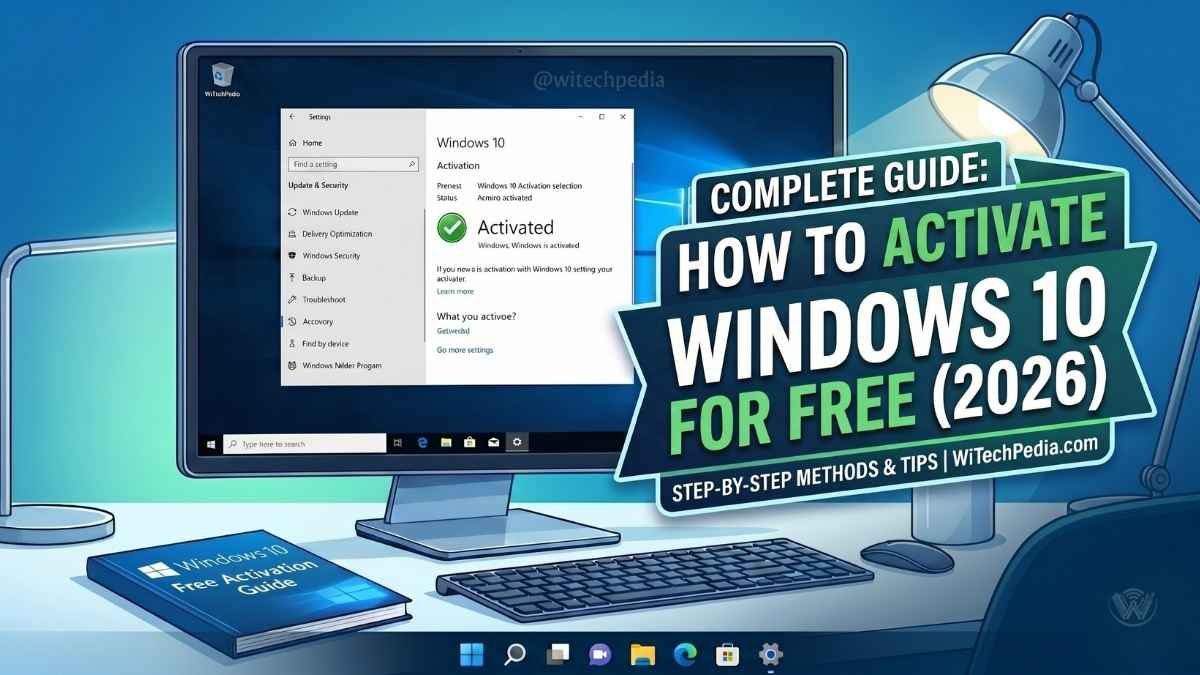
You want to know how to activate Windows 10 for free 2026. The “Activate Windows” watermark appears on your desktop. It blocks personalization options and sends constant reminders.
- Why You Should Activate Windows 10
- Best Methods to Activate Windows 10 for Free in 2026
- How to activate Windows 10 using CMD (KMS Method)
- How to Activate Windows 10 using Microsoft Activation Script (MAS) 2026
- Common Activation Troubleshooting
- Comparing Activated vs. Unactivated Windows
- Frequently Asked Questions (FAQ)
- Final Thoughts
You do not need to buy a new key right away. This guide shows you three safe, proven methods that work in 2026. These methods use only official Microsoft tools or trusted open-source scripts. They keep your PC secure.
You remove the watermark permanently. You unlock full features. You stay protected even after Windows 10 reached end of support in October 2025.
| Method | Permanence | Difficulty | Best For |
| CMD (KMS) | 180 Days (Auto-renews) | Moderate | No 3rd party tools |
| MAS (HWID) | Permanent | Easy | Personal PCs |
| Digital License | Permanent | Easy | Upgrading old PCs |
Why You Should Activate Windows 10
Using an unactivated version of Windows 10 is possible, but it limits your user experience. When you learn how to activate Windows 10 for free using official methods, you regain access to:
- Desktop Personalization: Change wallpapers, lock screens, and accent colors.
- Remove Watermark: Clear the “Activate Windows” overlay from the bottom-right corner.
- Security Confidence: Ensure your PC is recognized by Microsoft for all critical security patches. You can read more about Microsoft’s Lifecycle Policy to see how long your version will be supported.
Best Methods to Activate Windows 10 for Free in 2026
Method A: Use a Windows 7 or 8.1 Product Key
One of the most effective ways to activate Windows 10 for free is by reusing an old license. Microsoft’s servers often still accept valid keys from older versions. If you need to find your old key, our guide on recovering lost product keys can help.
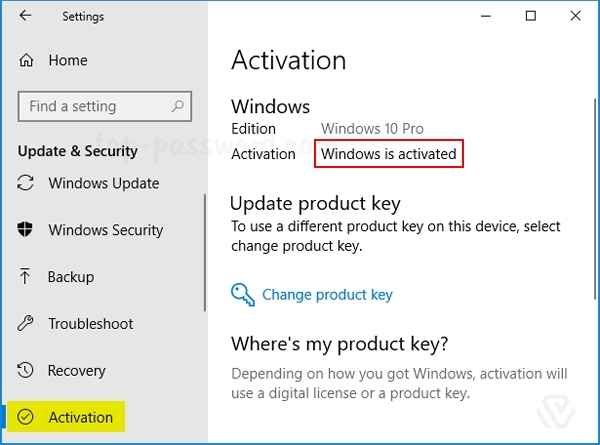
- Go to Settings > Update & Security > Activation.
- Select Change Product Key.
- Enter your old 25-character Windows 7/8 key.
Method B: Activation via Linked Microsoft Account
If you have previously owned a PC with a digital license, you can often transfer that license for free.
- Sign in with your Microsoft Account.
- Go to the Activation menu and run the Troubleshoot tool.
- Select “I changed hardware on this device recently” to link your previous free activation to your current hardware. For official steps, see the Microsoft Support page on hardware changes.
How to activate Windows 10 using CMD (KMS Method)
The Key Management Service (KMS) method is a favorite among developers because it requires no third-party software—just the built-in Windows Command Prompt.
Step-by-Step Instructions:
- Open CMD: Search for “Command Prompt” and select Run as Administrator.
- Enter Client Key: Type
slmgr /ipk [KEY]and hit Enter. Use W269N-WFGWX-YVC9B-4J6C9-T83GX for Pro. - Set KMS Machine: Type
slmgr /skms kms8.msguides.com. - Finalize Activation: Type
slmgr /atoand wait for the “Product activated successfully” popup.
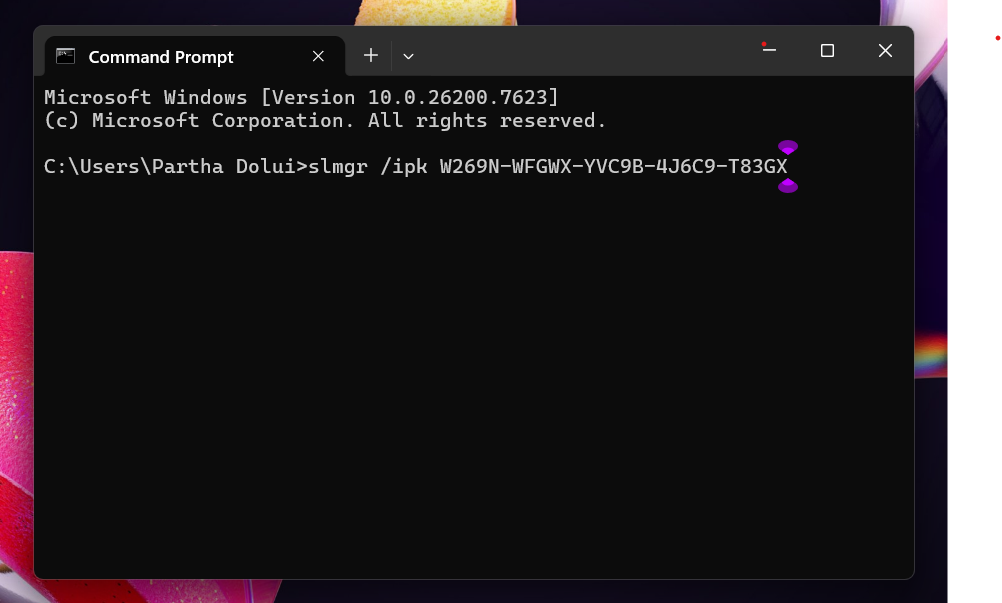
Why this works: This method tricks the system into thinking it is part of a corporate network with a volume license. For more advanced terminal tips, check out our Guide to Essential CMD Commands for Windows.
How to Activate Windows 10 using Microsoft Activation Script (MAS) 2026
If you want a permanent activation that survives a system reinstall, the HWID (Hardware ID) method via MAS is the gold standard.
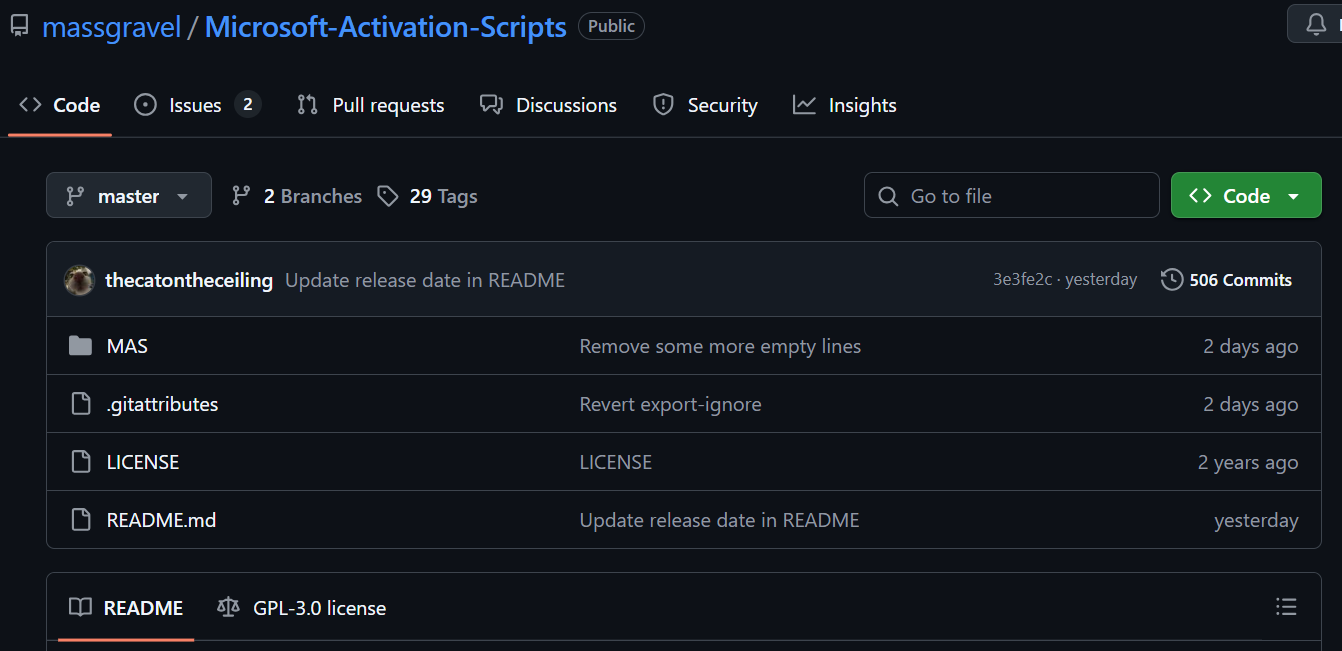
- Step 1: Visit the official MAS GitHub Repository.
- Step 2: Follow the instructions to run the script via PowerShell.
- Step 3: Select Option 1 (HWID). This links a permanent digital license to your motherboard’s ID on Microsoft’s servers.
Pro Tip: This method is often preferred because it doesn’t require “renewing” every 180 days like traditional KMS methods.
Common Activation Troubleshooting
Sometimes, activation fails due to server congestion or local system errors. Here are the most common fixes:
How to Fix Windows 10 Activation Error 0xC004F074?
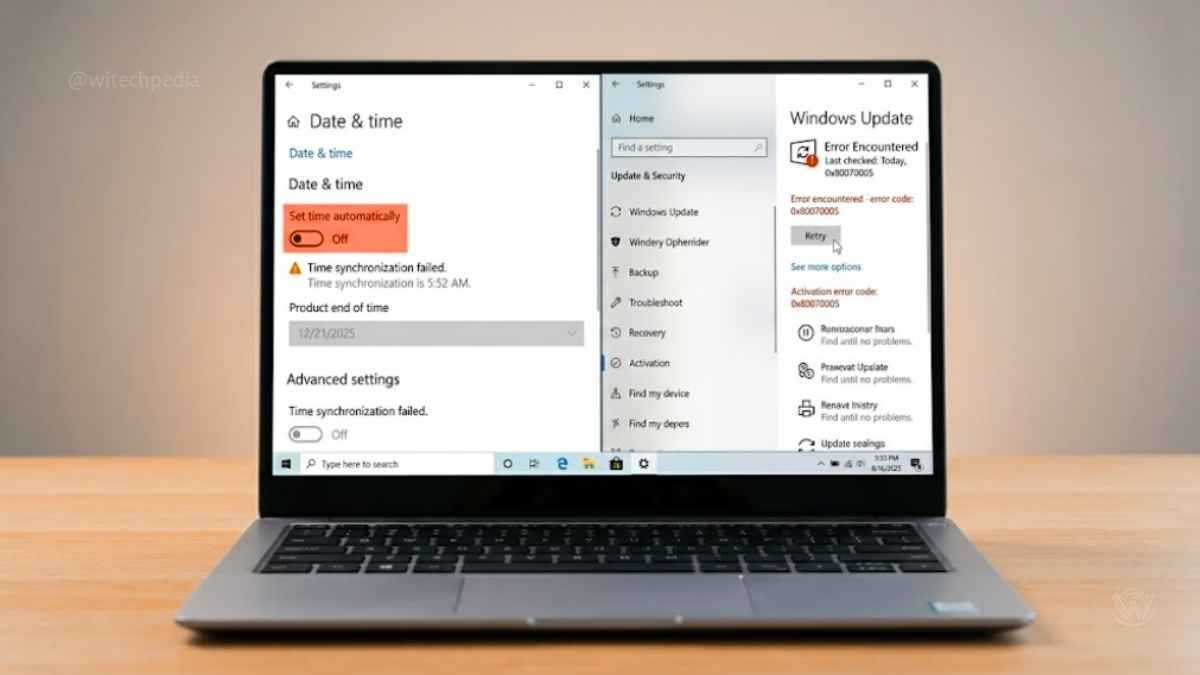
This error occurs when the system cannot contact the KMS server. To fix it, ensure your internet connection is active, disable your VPN, and sync your system clock by going to Settings > Time & Language > Sync Now.
- System Time Mismatch: If your PC clock is wrong, activation will fail. Ensure your time is synced with
time.windows.com. - Disabled Windows Update: Activation requires the Windows Update service to be running. Ensure it isn’t disabled in
services.msc.
Comparing Activated vs. Unactivated Windows
If you are still wondering whether you need to follow these steps on how to activate Windows 10 for free, consider this comparison:
| Feature | Activated Windows | Unactivated Windows |
| Personalization | Fully unlocked | Settings are locked |
| Watermark | No watermark | Persistent overlay |
| Legal Status | Genuine License | Evaluation mode |
Frequently Asked Questions (FAQ)
Is it safe to use "KMSPico" to activate Windows 10 for free?
No. Tools like KMSPico are often bundled with trojans. We recommend sticking to the CMD and digital license methods mentioned above. Learn more about detecting malware on your PC.
Is it safe to activate Windows for free?
Using built-in tools like CMD is safe. However, avoid downloading .exe “activators” from unknown websites, as these are often disguised malware. Stick to open-source scripts verified by the community on Reddit’s r/Windows10.
Will I get security updates?
Yes. Whether you activate via a digital license or KMS, your system will continue to receive critical security patches from Microsoft Support
Can I remove the watermark without a product key?
There are registry hacks to hide it, but the only official way to remove it permanently and legally is to activate the software.
Does activation still work after Windows 10 end of support?
Yes. You activate normally in 2026. Microsoft still recognizes licenses. For continued security patches, you consider Extended Security Updates or upgrade to Windows 11.
Final Thoughts
You now know exactly how to activate Windows 10 for free 2026 using three safe methods. You choose Digital License for simplicity, CMD for no extra tools, or MAS HWID for permanent results.
These steps keep your PC genuine and secure.
Ready to upgrade? Check our complete guide: How to Install Windows 11 on Unsupported Hardware.
If you run a business, you support Microsoft by purchasing a retail license. For personal use, these free methods work perfectly.
You activate today. You enjoy a clean, watermark-free Windows 10 experience.
Share this guide with friends who need it. Leave a comment below if you face any error. WiTechPedia keeps every tutorial updated for 2026 and beyond.